
Top tablet accessories for digital artists and students
Introduction
As tablets become central tools for both creativity and academic success, the device itself is often just the beginning of a productive setup. For digital artists, a tablet serves as a portable canvas, while for students, it acts as a digital notebook and research hub. However, relying solely on the native hardware can limit efficiency, ergonomics, and the overall longevity of the device.
Investing in the right accessories transforms a standard consumer tablet into a professional-grade workstation. These tools help bridge the gap between touch-based interaction and the precision required for fine art or the intensive note-taking required during long lectures. By selecting specific peripherals, users can improve their workflow, protect their investment, and reduce the physical strain associated with long hours of digital use.
Essential tools for digital artists
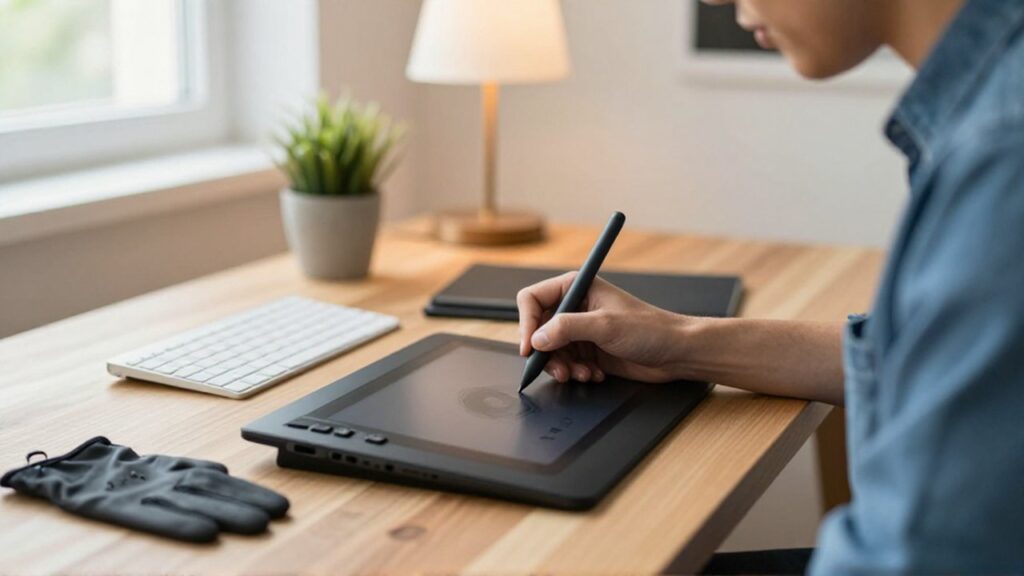
Digital illustration requires a level of precision that finger-touch interaction cannot provide. The most critical accessory for any artist is a pressure-sensitive stylus. Unlike standard capacitive styluses, professional pens allow for varying line thickness and opacity based on how hard the artist presses against the screen, mimicking the behavior of traditional brushes and pencils.
Beyond the stylus, paper-like screen protectors are highly recommended. These films add a subtle texture to the glass surface, reducing the "slippery" feeling that often occurs when using a plastic nib on smooth glass. This tactile feedback is essential for controlling strokes and achieving organic details. Furthermore, artists should consider high-quality Bluetooth keyboards or specialized macro pads. These allow for quick access to shortcuts for undoing actions, changing brush sizes, or switching layers, significantly speeding up the creative process.
Most useful accessories for students
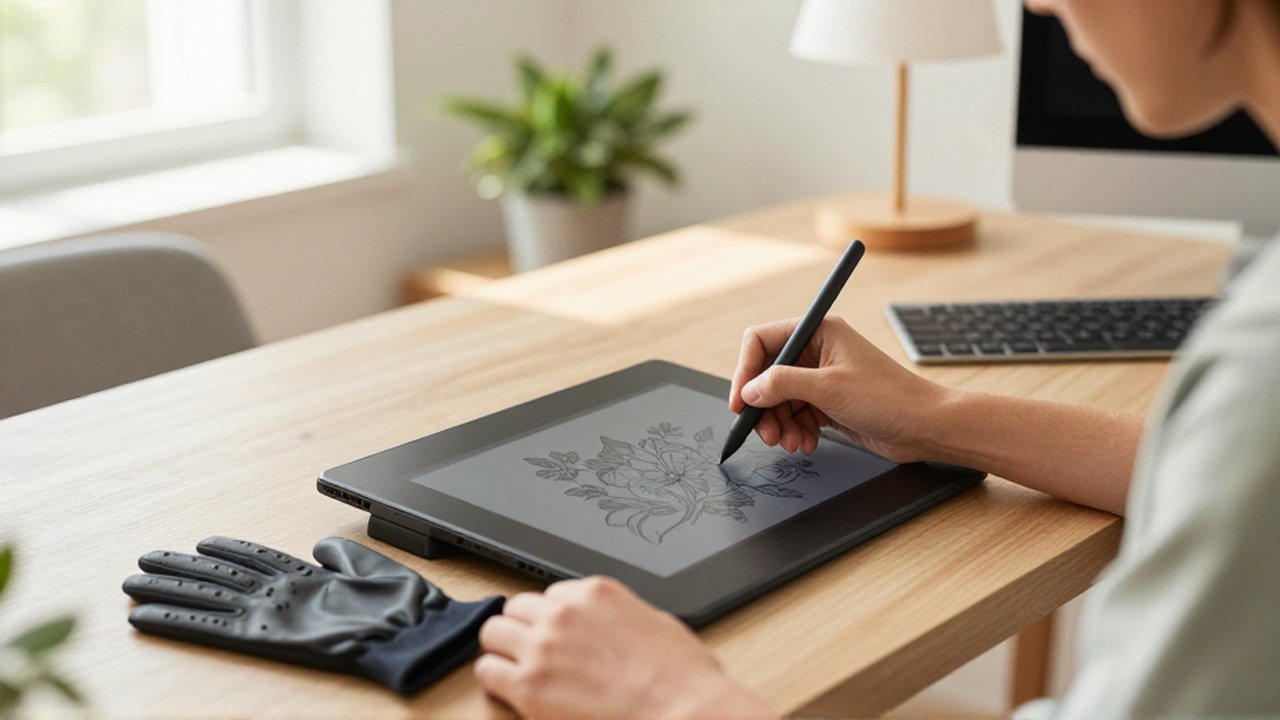
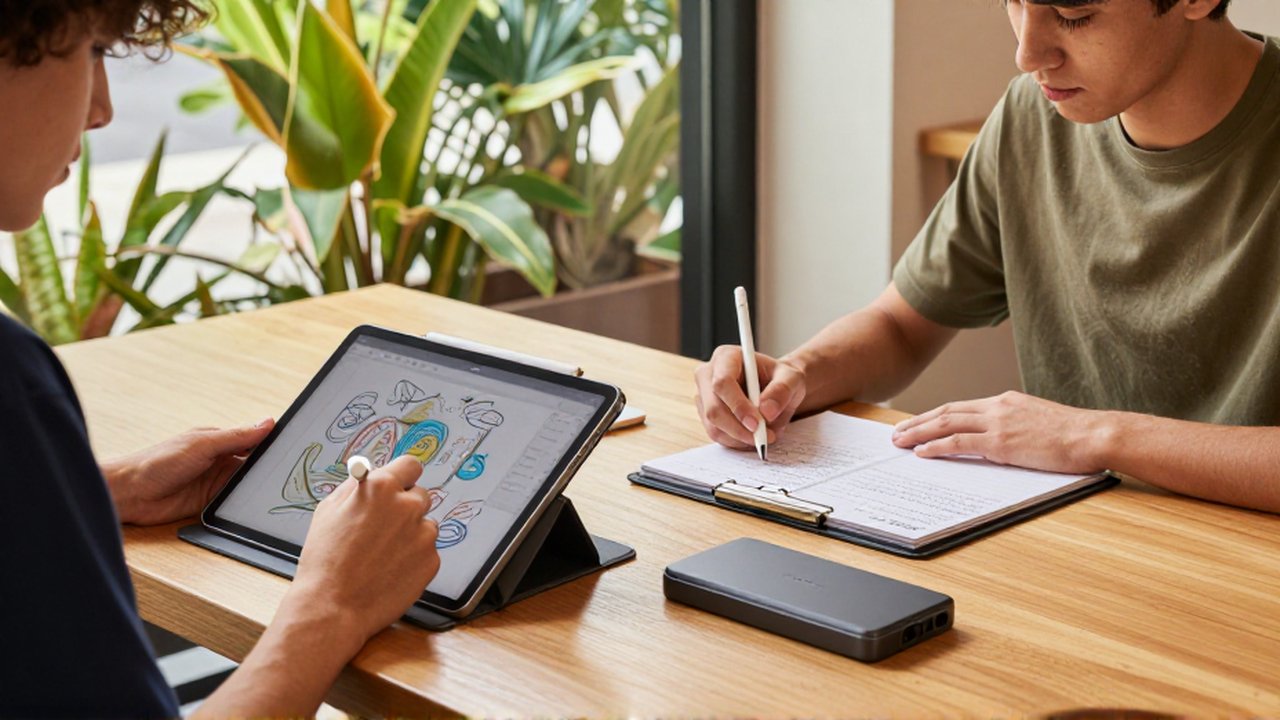
For students, the priority shifts from artistic precision to organization, portability, and endurance. A durable, protective folio case is the baseline requirement to ensure the tablet survives being carried in heavy backpacks. Ideally, this case should include a multi-angle stand, allowing the student to prop the device up at an ergonomic angle for reading or typing.
Connectivity is another pillar of student productivity. Since many tablets have limited ports, a USB-C hub is an invaluable tool. It enables students to connect external flash drives for backups, SD cards for transferring media, or even HDMI cables to present projects during classroom presentations. Additionally, a compact Bluetooth keyboard turns a tablet into a lightweight laptop replacement, making it much easier to write long essays or take detailed notes during fast-paced lectures.
Improving ergonomics and device protection
Both artists and students face the risk of repetitive strain injuries due to prolonged use of tablets. Using a tablet flat on a desk for hours can lead to neck and back pain. An adjustable tablet stand is a vital investment to bring the screen closer to eye level, promoting better posture.
To protect the device's longevity, users should pay attention to the following:
- Screen Protectors: Tempered glass provides impact resistance, while matte films focus on reducing glare and improving grip.
- Battery Management: Using high-quality charging cables and wall adapters prevents irregular voltage that can degrade battery health over time.
- Storage Solutions: External SSDs or high-capacity micro SD cards are essential for those working with large high-resolution art files or extensive digital textbooks.
Comparison of accessory priorities
| User Profile | Primary Need | Key Accessory | Secondary Accessory |
|---|---|---|---|
| Digital Artist | Precision | Pressure-sensitive stylus | Matte screen protector |
| Student | Productivity | Bluetooth keyboard | USB-C Multimedia Hub |
| General User | Protection | Rugged folio case | Tempered glass protector |
Common mistakes when buying accessories
One frequent error is purchasing accessories that are not specifically compatible with the exact model of the tablet. For example, a stylus designed for one brand of tablet will rarely work with another, and even different versions of the same tablet may require different sized cases or keyboard covers.
Another mistake is prioritizing aesthetics over functionality. A slim, stylish case might look good, but if it does not provide enough protection against drops or lacks a sturdy stand, it may ultimately hinder the user's ability to work effectively. Finally, users often neglect cable quality; using cheap, uncertified charging cables can lead to slow charging speeds or even damage to the device's internal components.
Frequently asked questions
Should I buy a matte or tempered glass screen protector? It depends on your goal. Tempered glass is best for maximum impact protection and clarity. Matte protectors are better for artists who want a paper-like texture and reduced glare.
Do I really need a USB-C hub for my tablet? If you plan on transferring files from cameras, using external drives, or connecting to monitors for presentations, a hub is highly recommended to expand your tablet's limited connectivity.
Can any stylus work with my digital tablet? No. Most professional tablets require a specific stylus that supports pressure sensitivity and palm rejection. Always check compatibility with your specific model before purchasing.
Is a keyboard necessary for students? While a stylus is great for handwritten notes, a Bluetooth keyboard is essential for typing long-form assignments and managing schoolwork efficiently.
Leave a Reply