
Free graphic design software alternatives for small business owners

Introduction
Creating professional visual content is essential for small business owners looking to establish a brand identity, promote products, and engage with customers on social media. High-quality graphics build credibility and help a business stand out in a crowded digital marketplace. However, many professional design suites come with high subscription costs that can strain a growing company's limited budget.
Finding effective free alternatives allows entrepreneurs to manage their marketing needs without significant financial investment. These tools enable the creation of logos, social media posts, flyers, and presentations that look polished and professional. By leveraging the right software, small business owners can maintain a consistent visual presence across all digital and physical platforms.
Understanding the different types of design software is the first step toward making an informed choice. Some tools are web-based and user-friendly, while others are powerful desktop applications that require more technical skill. Selecting the right tool depends on your specific design goals, the complexity of your projects, and the hardware available to you.
Web based design tools for quick marketing assets

For business owners who need to produce content quickly and do not have formal design training, web-based graphic design platforms are the most efficient option. These tools typically operate within a browser, meaning they do not require powerful computer hardware or intensive installations. They rely on a "drag-and-drop" interface and provide thousands of pre-made templates tailored for specific uses.
These platforms are ideal for creating social media graphics, Instagram stories, digital flyers, and basic business cards. Because the templates are already sized correctly for various social platforms, the risk of formatting errors is significantly reduced. Most of these services operate on a "freemium" model, providing a robust set of basic tools for free, while charging for advanced features like premium stock photos or background removal.
Using these tools allows a business owner to maintain a consistent aesthetic by saving brand colors and fonts. This ensures that a post created on Monday looks similar to a flyer created on Friday, which is crucial for brand recognition. However, users should be aware that free versions often include a small watermark or limit the number of high-quality downloads available per month.
Desktop software for advanced image editing
If your business requires more detailed photo retouching or complex image manipulation, web-based templates may not be sufficient. In these cases, professional-grade desktop software serves as a powerful alternative. These programs are installed directly onto your computer, offering much higher performance and a wider range of tools for pixel-level control.
Desktop alternatives are particularly useful for tasks such as removing complex backgrounds, adjusting color tones in photography, or creating intricate digital illustrations. While these tools have a steeper learning curve, they provide the depth necessary for high-resolution printing and advanced digital art.
| Software Type | Best For | Primary Benefit |
|---|---|---|
| Raster Editors | Photo retouching and digital painting | Precise control over pixels and textures |
| Vector Editors | Logo design and scalable illustrations | Graphics remain sharp at any size |
| Layout Tools | Multi-page documents and brochures | Managing typography and complex layouts |
When choosing a desktop alternative, consider your computer's specifications. High-end image editing can be resource-intensive, requiring adequate RAM and a capable processor to prevent software crashes or slow performance during complex tasks.
Vector tools for logo and icon creation
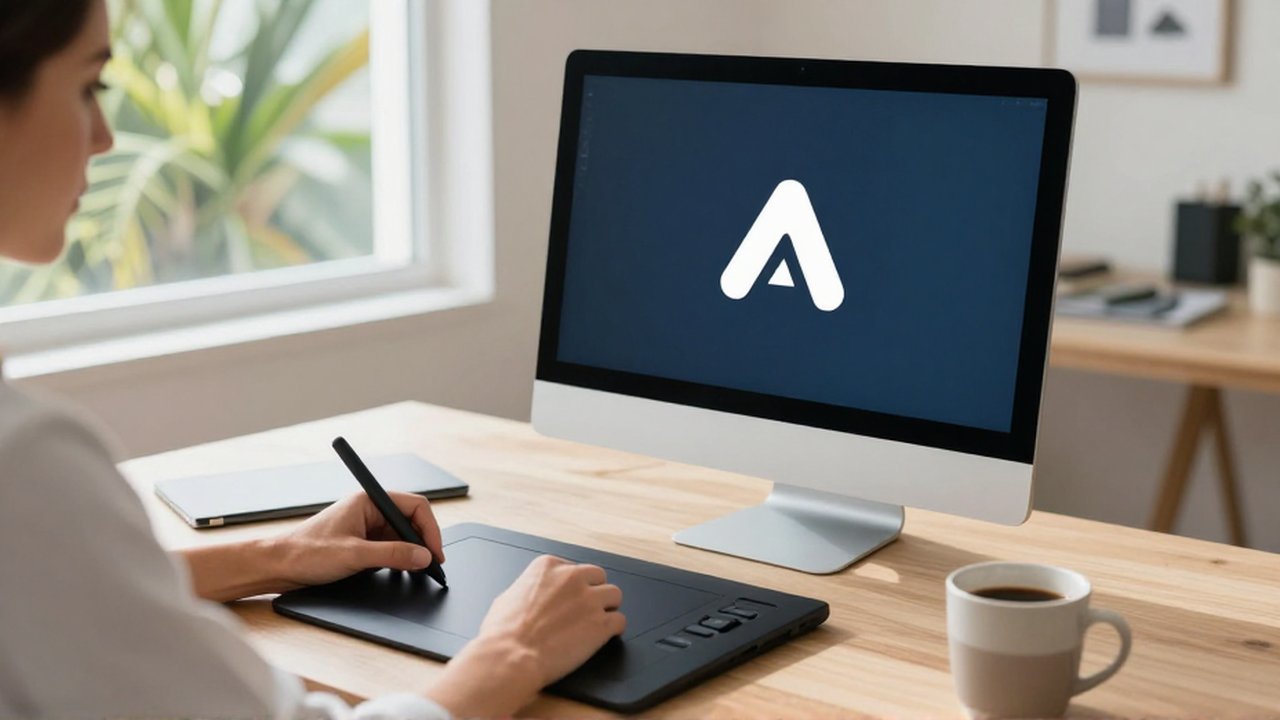
A logo is the cornerstone of a brand's visual identity, and it must be created using vector software. Unlike standard images that are made of pixels (which become blurry when enlarged), vector graphics are based on mathematical paths. This allows you to scale a logo from the size of a tiny favicon on a website to the size of a large billboard without any loss of quality.
Free vector software allows small business owners to design unique icons, typography, and scalable illustrations. This is a critical requirement for professional branding; a pixelated logo can make a business appear unprofessional. Learning to use vector tools takes time, but the ability to produce infinitely scalable assets is an invaluable skill for long-term brand management.
Strategic selection of design tools
To choose the best software for your specific needs, evaluate your workflow based on three main criteria: technical ability, project frequency, and hardware capability. If you only need to post to social media twice a week, a web-based tool is likely the most efficient choice. If you are designing a full brand identity from scratch, investing time in learning a vector-based desktop program is more beneficial.
Avoid the common mistake of trying to use a single tool for every task. For example, using a raster editor to design a logo can lead to quality issues later on. Instead, adopt a hybrid approach: use a web-based tool for daily social media updates and a professional desktop tool for core brand assets like logos and high-quality print materials.
Frequently asked questions
Do free design tools include commercial usage rights? Most free versions allow you to use the designs for your business, but you must check the specific license of any stock elements (photos or icons) used within the tool. Some free assets are restricted to personal use only.
Can I use free software for professional printing? Yes, provided you export your files in the correct format. For high-quality printing, look for options to export in CMYK color mode and high-resolution PDF or TIFF formats.
Is it difficult to learn these free alternatives? Web-based tools are designed to be intuitive and can be mastered in minutes. Desktop-based professional alternatives have a much higher learning curve and may require tutorials to become proficient.
Will my designs look professional using only free software? Absolutely. Professionalism depends more on your use of color theory, typography, and layout principles than on the price of the software. Using templates effectively is a great way to achieve professional results quickly.
Leave a Reply