
Best free photo editing apps for mobile devices
Introduction
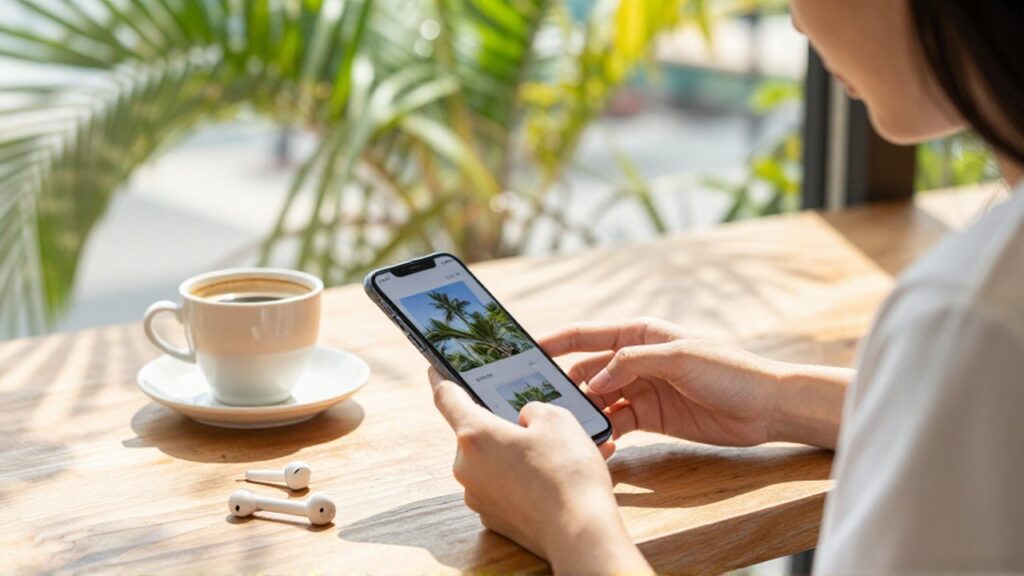
In the modern digital era, the smartphone has become the primary tool for capturing life's moments, from social media snapshots to professional-looking landscapes. However, a raw photo often requires a bit of digital refinement to truly shine. Photo editing apps allow users to adjust lighting, correct colors, remove unwanted objects, and apply artistic filters, transforming a standard image into a compelling visual story. This process is essential for anyone looking to improve their online presence, whether for personal enjoyment, academic projects, or small business branding.
Finding the right software can be overwhelming due to the sheer volume of options available in app stores. Many applications claim to be free but hide essential features behind expensive subscriptions or intrusive advertisements. Therefore, selecting a reliable tool that offers high-quality editing capabilities without a mandatory cost is vital. This article explores the most effective free mobile photo editing applications, categorizing them by their strengths to help you decide which one best suits your creative needs and technical skill level.
Top rated mobile photo editors for everyday use
For users who want to enhance their photos quickly without navigating complex menus, certain apps stand out for their intuitive interfaces and powerful automated tools. These applications are ideal for social media enthusiasts who need to apply professional-looking corrections in seconds.
Snapseed is widely considered one of the most complete free editors available. Developed with a focus on precision, it offers a wide array of tools, including selective adjustments, healing brushes to remove blemishes, and advanced tuning controls. Unlike many other free apps, it does not force users into a subscription model to access its most potent features, making it a top choice for both beginners and intermediate users.
Pixlr serves as another excellent option for those prioritizing speed and ease of use. It provides a variety of pre-made overlays and filters that can instantly change the mood of a photograph. While it offers advanced layering features, its primary strength lies in its ability to perform quick "one-tap" enhancements, which is perfect for users on the go.
Advanced editing tools for creative professionals
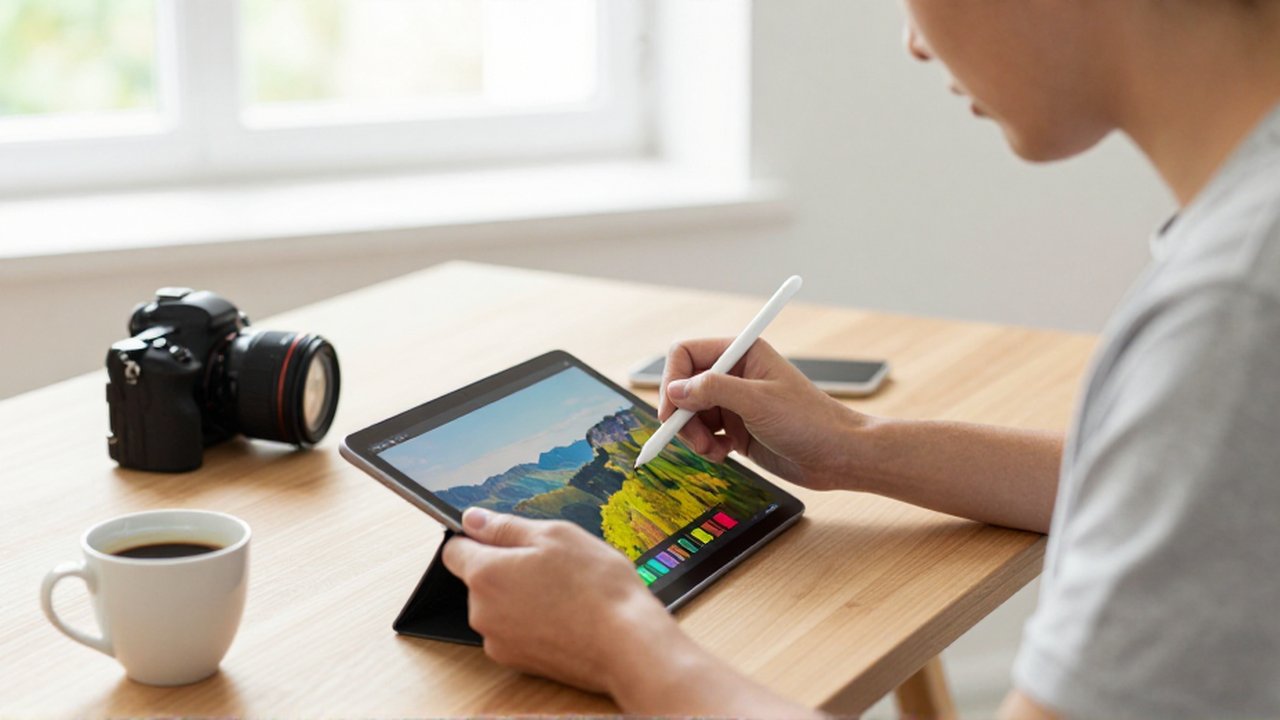
If your goal is to move beyond simple filters and engage in detailed digital manipulation, you will require apps that offer layer-based editing, precise color grading, and advanced masking tools. These applications are better suited for users who have a specific artistic vision and the patience to fine-tune every detail.
Adobe Lightroom Mobile is a powerhouse in the mobile photography world. While it operates on a freemium model, the free version provides incredibly robust tools for light, color, and detail adjustment. It is particularly useful for managing large libraries of photos and applying consistent looks across multiple images. Its ability to handle RAW files makes it a staple for serious mobile photographers who want to maximize the data captured by their device's sensor.
Picsart functions more as a creative suite than a traditional editor. It allows for heavy manipulation, such as combining multiple images, adding stickers, and creating complex digital collages. It is an ideal tool for anyone looking to create graphic design elements or highly stylized art rather than just correcting a photograph.
Comparison of free editing features
To help you choose the right tool, the following table summarizes the key characteristics of the most popular free options mentioned above.
| App Name | Best For | Key Strength | Difficulty Level |
|---|---|---|---|
| Snapseed | Versatile editing | Precision tools | Intermediate |
| Pixlr | Quick fixes | Ease of use | Beginner |
| Lightroom | Color grading | Professional adjustments | Intermediate/Advanced |
| Picsart | Creative design | Layers and stickers | Intermediate |
Criteria for choosing the right app

Selecting the best app depends heavily on your specific objectives and the hardware you use. Consider the following factors before downloading a new tool:
- Interface Complexity: If you need to edit photos quickly for a WhatsApp status or an Instagram story, avoid apps with steep learning curves. Conversely, if you are practicing photography, look for apps that offer granular control over exposure, shadows, and highlights.
- Feature Availability: Check if the features you need—such as "healing" (removing objects) or "selective tuning"—are actually free or if they require a premium upgrade.
- Device Performance: High-end editing apps like Lightroom can be resource-intensive. Ensure your mobile device has sufficient RAM and processing power to avoid crashes or significant lag during editing.
- Output Quality: Ensure the app allows you to save your edits in high resolution without adding watermarks, which can diminish the professional quality of your work.
Common mistakes when editing mobile photos
Even with the best software, certain habits can ruin a good photograph. Avoiding these common pitfalls will ensure your images look natural and professional.
One frequent mistake is over-saturation. While increasing color intensity can make a photo pop, doing it too much results in "neon" colors that look artificial and lose detail. Another error is excessive sharpening, which introduces digital noise and makes the image look grainy, especially in low-light shots.
Finally, many users fall into the trap of over-filtering. Using a heavy preset can mask the true essence of the scene. A better approach is to use filters as a starting point and then manually adjust the intensity to ensure the photo remains realistic.
Frequently asked questions
Do free photo editing apps contain watermarks? Most high-quality free apps like Snapseed and Lightroom do not add watermarks to your exported photos. However, some lower-quality or highly specialized creative apps may add a watermark unless you pay for the premium version.
Can I edit RAW files on a mobile device? Yes, several advanced mobile apps, most notably Adobe Lightroom Mobile, support RAW file editing. This allows for much greater control over the image data, though it requires a device with decent processing power.
Are these apps available for both Android and iOS? Yes, all the major applications mentioned in this article are available on both the Google Play Store for Android users and the Apple App Store for iOS users.
Will using these apps consume a lot of data? The initial download requires data, but once installed, the editing process is an offline activity. Data usage only becomes a factor if you use cloud synchronization features or need to download additional assets from within the app.
Leave a Reply