
Comparison between SMS codes and authenticator apps

Introduction
Two-factor authentication (2FA) has become a fundamental layer of digital security for anyone accessing online accounts, from social media to banking. As cyberattacks become more sophisticated, relying solely on a password is no longer sufficient to protect sensitive personal or business information. Two-factor authentication adds a second step to the login process, requiring a separate piece of evidence to prove your identity.
The debate regarding the best method for this second step usually falls between receiving a code via SMS (Short Message Service) or using an authenticator app. While both methods aim to verify your identity, they operate through different mechanisms and offer varying levels of protection. Understanding these differences is essential for users in the Dominican Republic and globally to ensure their digital footprint remains secure against unauthorized access.
How SMS codes work
SMS-based authentication is a method where a service provider sends a unique, time-sensitive numeric code to your registered mobile phone number via text message. Once you receive the message, you type the code into the website or application to complete your login. This method is widely used because it requires no additional software installation and works on almost any mobile phone that can receive text messages.
For many users, particularly small business owners or those using older mobile devices, SMS is the most convenient option. It is intuitive and does not require a constant internet connection to receive the message, as it relies on cellular networks rather than data. However, this convenience comes with significant security trade-offs that users must consider when protecting high-value accounts.
Vulnerabilities of SMS authentication

The primary drawback of SMS codes is their susceptibility to specific types of cyberattacks. One of the most common threats is SIM swapping, where a criminal convinces a mobile carrier to transfer your phone number to a SIM card in their possession. Once successful, the attacker receives all your security codes directly, allowing them to bypass your account protections entirely.
Additionally, SMS messages are transmitted over cellular networks that can be intercepted through sophisticated techniques such as SS7 vulnerabilities. There is also the risk of smishing, where attackers use deceptive text messages to trick users into revealing their codes. Because SMS is not an encrypted channel, it is generally considered a "better than nothing" security measure rather than a high-security standard.
Advantages of authenticator apps
Authenticator apps, such as Google Authenticator, Microsoft Authenticator, or Authy, generate Time-based One-Time Passwords (TOTP) directly on your device. These apps use an algorithm that syncs with the service provider to produce a new six-digit code every 30 to 60 seconds. Because the codes are generated locally on your device, they do not travel through a cellular network.
The main benefit of these apps is their resistance to SIM swapping. Since the "secret key" used to generate the codes is stored within the app on your physical device, an attacker cannot gain access simply by stealing your phone number. Furthermore, these apps work offline; once the initial setup is complete, you do not need an internet connection or cellular signal to generate a code, making them highly reliable during travel or in areas with poor connectivity.
Key differences between the two methods
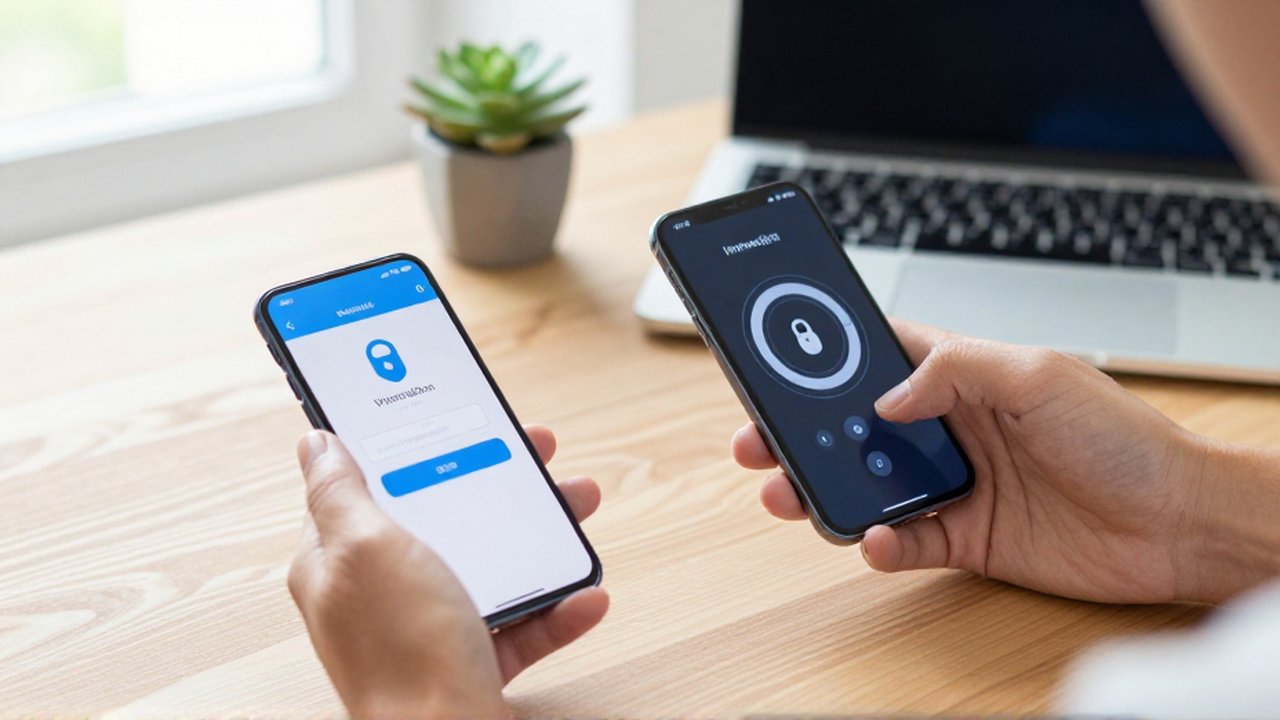
Choosing between these two methods involves balancing ease of use with the required level of security. The following table summarizes the primary differences:
| Feature | SMS Codes | Authenticator Apps |
|---|---|---|
| Requirement | Mobile phone signal | Smartphone with an app |
| Internet Needed | No (uses cellular) | No (generates offline) |
| SIM Swap Risk | High | Low |
| Ease of Setup | Extremely easy | Requires app installation |
| Reliability | Depends on signal/carrier | Highly reliable and instant |
While SMS is useful for low-risk accounts or for users who do not own a smartphone, authenticator apps should be the preferred choice for email, banking, and any account containing sensitive personal information.
Best practices for managing 2FA
To maximize your digital security, you should adopt a proactive approach to authentication. First, always prioritize authenticator apps whenever a service offers them as an option. If you are using an app, it is highly recommended to use one that offers encrypted cloud backups, so you do not lose access to your accounts if you lose or break your phone.
Second, always save your backup codes provided by the service during the 2FA setup process. These are one-time use codes that allow you to access your account if your phone is lost or the app is deleted. Finally, regularly review the security settings of your most important accounts to ensure that the authentication methods currently in place are still the most secure available.
Frequently asked questions
Can I use an authenticator app without internet? Yes, most authenticator apps generate codes using an internal algorithm that does not require an active internet or data connection.
What happens if I lose my phone with my authenticator app? If you have saved your backup codes, you can use them to log in and set up the app on a new device. If you did not save backup codes, you may need to go through a manual identity verification process with the service provider.
Is SMS authentication better than no authentication at all? Yes, SMS authentication is significantly better than using only a password, as it adds a layer of defense that an attacker cannot bypass with a password alone.
Are there any downsides to using authenticator apps? The main challenge is the responsibility of managing the device and the backup codes. If you lose access to both the device and the recovery methods, regaining access to your accounts can be a difficult process.
Leave a Reply