
Difference between DDR4 and DDR5 memory modules
Introduction
Random Access Memory (RAM) serves as the short-term workspace for your computer, allowing the processor to access data quickly to run applications and operating systems. As technology evolves, the standards for these memory modules change to meet the increasing demands of modern software, gaming, and professional multitasking. Understanding the distinction between DDR4 and DDR5 is essential for anyone building a new PC, upgrading an existing system, or purchasing a laptop for work or study.
The transition from DDR4 to DDR5 represents a significant generational shift in how data is handled and transmitted. While DDR4 has been the reliable industry standard for many years, DDR5 introduces architectural changes designed to improve bandwidth, power efficiency, and overall system stability. Choosing between them is not just about speed; it involves considering compatibility with motherboards, CPUs, and your specific computing needs.
Primary technical differences
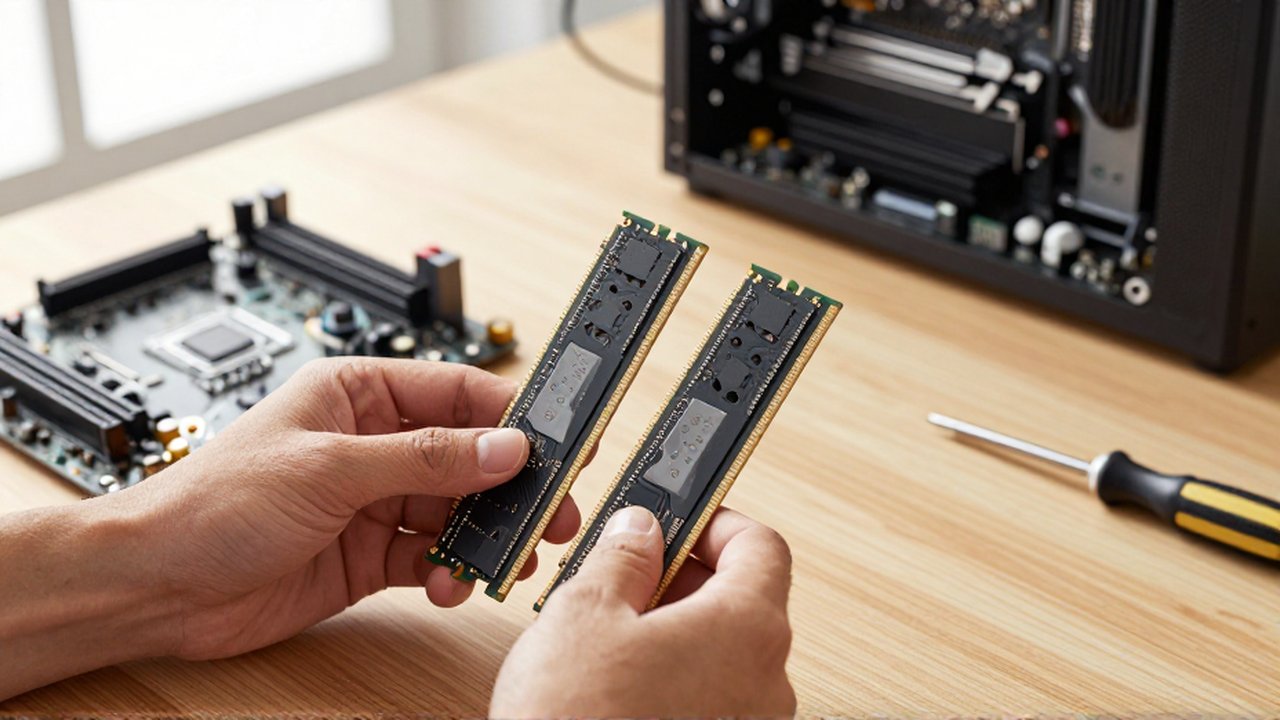
The most fundamental difference between these two generations lies in their data transfer capabilities and architecture. DDR5 is designed to provide much higher bandwidth than DDR4, meaning it can move larger amounts of data between the memory and the CPU in a shorter amount of time. This makes DDR5 particularly effective for bandwidth-intensive tasks like video editing, complex simulations, and high-end gaming.
Beyond raw speed, the way the memory manages power has changed. In DDR4 systems, the motherboard is responsible for managing the voltage sent to the RAM. In DDR5, the power management integrated circuit (PMIC) is moved directly onto the memory module itself. This localizes power regulation, which can improve power efficiency and signal integrity, though it also makes the individual modules slightly more complex.
Another critical architectural change involves how data is accessed. DDR5 features two independent 32-bit channels on a single module, whereas DDR4 uses a single 64-bit channel. This allows the processor to perform two smaller, simultaneous data operations rather than one large one, significantly improving the efficiency of data retrieval.
Speed and bandwidth comparison
When discussing memory, speed is often measured in Megatransfers per second (MT/s). DDR4 typically operates within a range that starts at 2133 MT/s and can reach higher speeds through specialized overclocking profiles. While high-end DDR4 is quite fast, it eventually hits a ceiling dictated by its architectural limits.
DDR5 starts at a much higher baseline. Most standard DDR5 modules begin well above the speeds found in common DDR4 setups and have a theoretical ceiling much higher than its predecessor. This increased bandwidth allows the CPU to stay fed with data more consistently, reducing "bottlenecks" where the processor has to wait for information to arrive from the memory.
| Feature | DDR4 Memory | DDR5 Memory |
|---|---|---|
| Typical Speed Range | Lower (e.g., 2400 - 3600 MT/s) | Higher (e.g., 4800+ MT/s) |
| Data Channel | Single 64-bit channel | Two independent 32-bit channels |
| Power Management | Controlled by Motherboard | On-module (PMIC) |
| Maximum Density | Lower capacity per stick | Significantly higher capacity per stick |
Compatibility and installation requirements
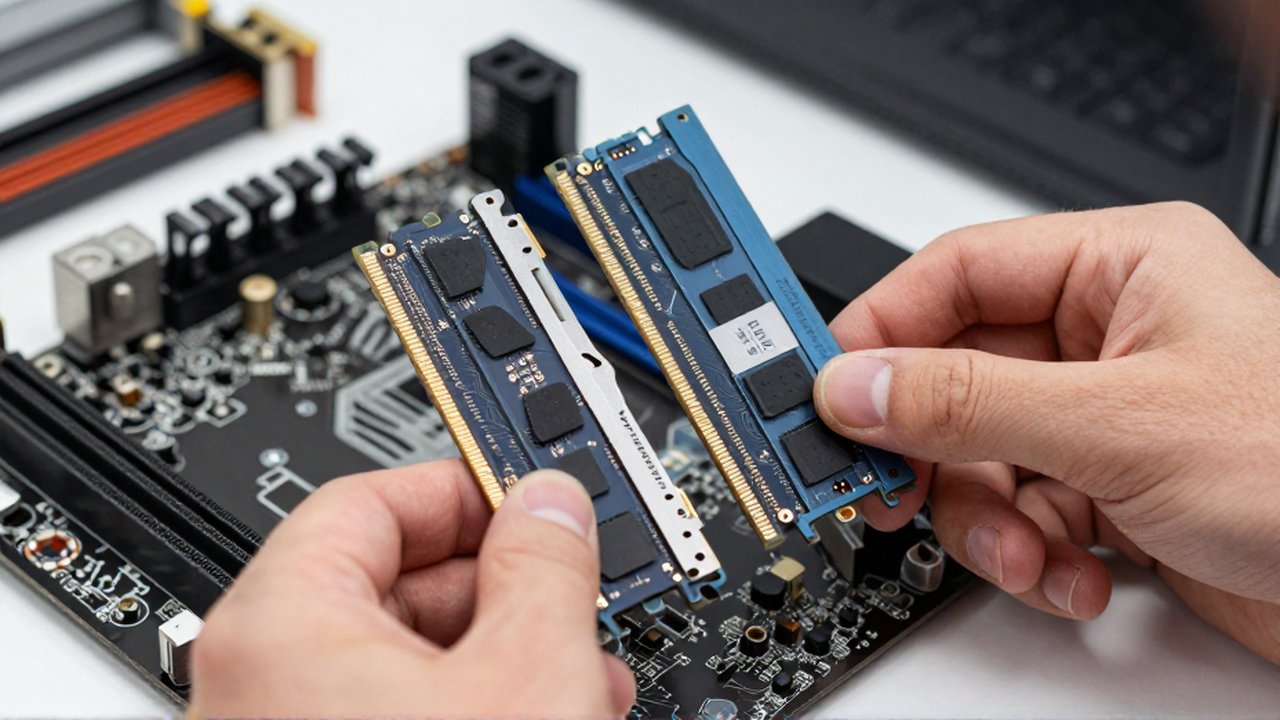
One of the most important practical considerations is that DDR4 and DDR5 are not interchangeable. They are physically different; the notch located on the bottom of the module is positioned differently to prevent users from accidentally inserting the wrong type of RAM into a motherboard. Even if you could force them into a slot, the electrical signaling is incompatible.
When selecting hardware, you must ensure that your motherboard and Central Processing Unit (CPU) support the specific generation you intend to use. Modern platforms often offer versions that support either DDR4 or DDR5, but a single motherboard will almost never support both simultaneously. If you are building a new system today, opting for DDR5 provides a more future-proof foundation, whereas sticking with DDR4 might be a cost-effective choice for budget-conscious builds or older hardware refreshes.
Decision criteria for users
Deciding between these two modules depends largely on your intended use case and your current budget. For general office work, web browsing, and student tasks, DDR4 remains a highly competent and cost-effective option that provides more than enough performance for everyday applications.
For professionals in creative fields—such as 3D rendering, high-resolution video production, or heavy data analysis—the increased bandwidth of DDR5 can offer measurable improvements in workflow speed. Similarly, enthusiasts looking to build high-end gaming rigs will benefit from the efficiency and higher ceiling of DDR5, as it helps maximize the performance of the latest generation of processors.
Frequently asked questions
Can I upgrade my DDR4 system to DDR5 by just buying new sticks? No. Because the physical notches and electrical architectures are different, you would also need to upgrade your motherboard and likely your CPU to a model that supports DDR5.
Is DDR5 significantly faster for everyday tasks like browsing? For basic tasks like web browsing, checking email, or watching videos, the difference is usually negligible. You will notice the performance benefits of DDR5 more in high-demand applications like gaming or professional software.
Does DDR5 use less power than DDR4? Yes, DDR5 operates at a lower base voltage than DDR4, and because it manages its own power via an on-module PMIC, it can offer better efficiency, though the actual savings in a typical home computer may be minor.
Which one is better for long-term value? DDR5 is considered more future-proof. As software becomes more demanding, the ability to easily find and install higher-speed DDR5 modules will make it the standard for the foreseeable future.
Leave a Reply