
Benefits of upgrading a computer processor for gaming
Introduction
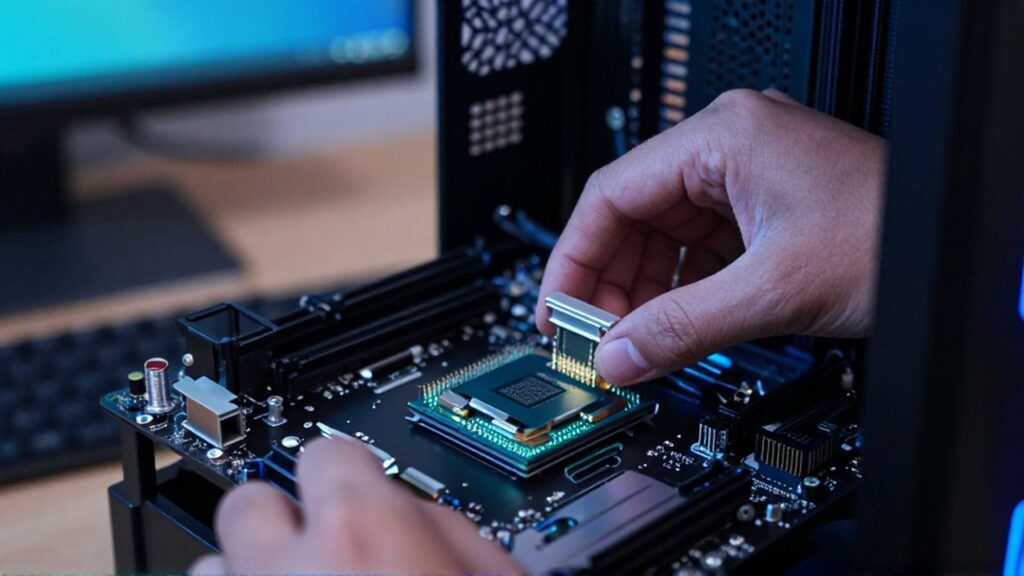
The Central Processing Unit, commonly known as the CPU, serves as the brain of any computer system. In the context of gaming, the processor is responsible for calculating game logic, physics, artificial intelligence, and managing the data flow between your memory and graphics card. When a gaming system begins to experience stuttering, low frame rates, or difficulty running modern titles, it is often a sign that the processor has become a bottleneck, limiting the potential of the other components.
Upgrading your processor is a strategic decision made when current hardware can no longer keep pace with the increasing computational demands of new software. This type of upgrade is particularly important for gamers who want to enjoy smoother gameplay, higher resolution rendering, and more complex environments without the massive expense of building an entirely new computer from scratch. Knowing when and why to perform this upgrade can significantly extend the lifecycle of your current setup.
Improved frame rates and smoother gameplay
One of the most immediate benefits of a processor upgrade is the increase in frames per second (FPS) and the overall reduction in micro-stuttering. While the Graphics Processing Unit (GPU) is primarily responsible for rendering images, the CPU calculates the instructions that tell the GPU what to draw. If the CPU is too slow, the GPU has to wait for instructions, leading to dropped frames and a choppy visual experience.
A more powerful processor allows for faster instruction processing, which ensures a consistent stream of data to the graphics card. This results in a much smoother experience, especially in fast-paced competitive games where every millisecond of input latency and every frame of visual movement counts. By reducing the time it takes for the system to process game engine logic, you achieve a more fluid and immersive environment.
Enhanced handling of complex game mechanics
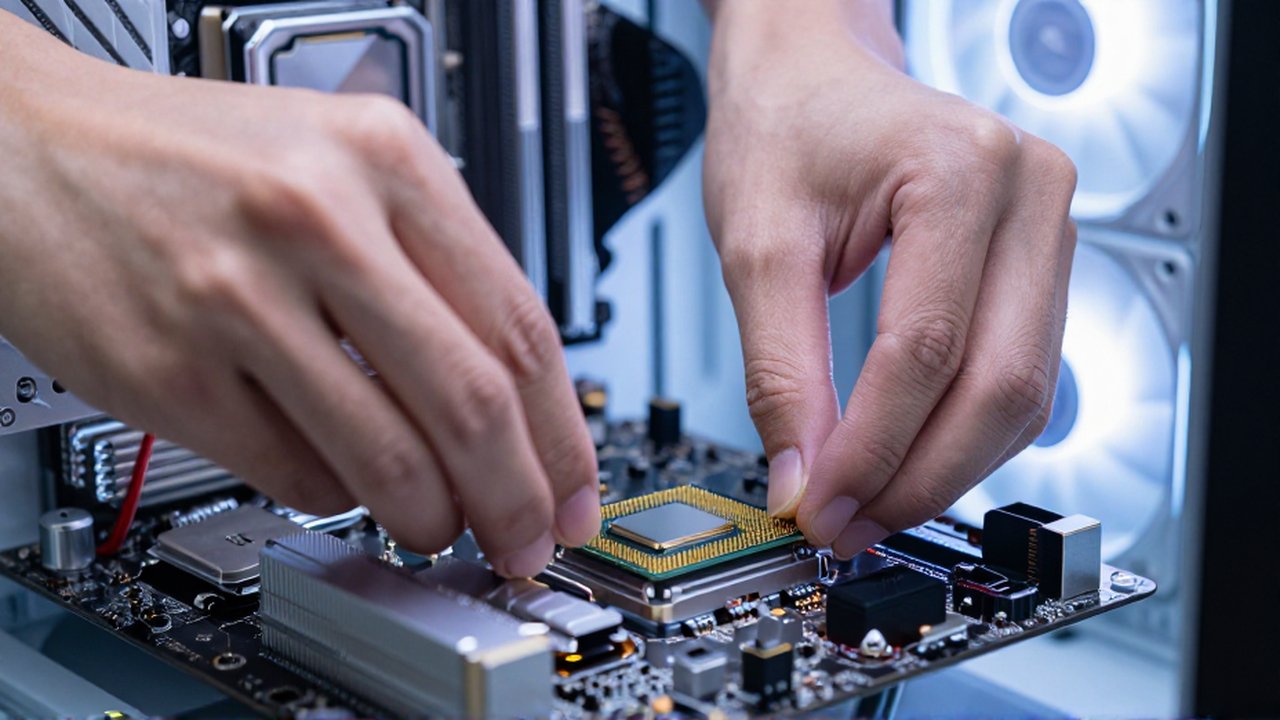
Modern gaming titles are becoming increasingly sophisticated, featuring intricate physics engines, dense crowds of non-player characters (NPCs), and highly detailed environmental interactions. These elements are heavily dependent on CPU performance. A weak processor struggles to calculate the trajectory of multiple objects simultaneously or the decision-making processes of dozens of AI entities at once.
Upgrading to a processor with more cores and higher clock speeds allows the system to distribute these heavy workloads more efficiently. This means that in an open-world game, you can encounter larger cities with more active citizens or engage in large-scale battles without seeing a massive dip in performance. The computational overhead required for complex simulations is handled more gracefully, preserving the intended atmosphere and gameplay depth of the title.
Better multitasking and streaming capabilities
For many modern gamers, playing a game is only one part of the digital experience. Many users simultaneously run background applications such as communication tools, web browsers, or media players. Furthermore, the rise of content creation means many players stream their gameplay directly to online platforms. These activities are extremely taxing on the CPU.
A processor upgrade often provides an increase in core and thread counts, which is essential for multitasking.
- Streaming: A CPU with more threads can dedicate specific resources to encoding video for a live stream while leaving other cores free to run the game itself.
- Background Apps: More cores allow software like Discord, Spotify, or antivirus programs to run in the background without competing for the resources needed by the game engine.
- Content Creation: If you record your gameplay for later editing, a more powerful processor significantly reduces the time required for video rendering and file compression.
Compatibility and system longevity

As software developers optimize their games for newer hardware architectures, older processors eventually lose the ability to execute modern instructions efficiently. Upgrading your CPU often involves moving to a newer platform, which can provide access to faster system memory (RAM) and more advanced data transfer technologies.
Investing in a modern processor provides a "cushion" for the future. It ensures that your computer remains compatible with upcoming software releases for several years, delaying the need for a full system overhaul. This proactive approach to hardware maintenance allows for a more controlled and predictable upgrade cycle, helping you stay ahead of the technological curve without constant, unplanned expenses.
Important considerations before upgrading
While the benefits are significant, upgrading a processor is not a simple "plug and play" operation in all cases. There are technical dependencies that must be addressed to ensure a successful installation.
| Component | Necessity of Check | Reason |
|---|---|---|
| Motherboard | Mandatory | The new CPU must use the same socket type as the current motherboard. |
| BIOS/UEFI | Highly Recommended | You may need to update the motherboard firmware to recognize a newer processor. |
| Power Supply (PSU) | Important | High-end processors consume more electricity and may require more wattage. |
| Cooling System | Critical | More powerful CPUs generate more heat and may require a better thermal solution. |
Frequently asked questions
Will a new CPU increase my graphics performance? A new CPU will not directly change the power of your graphics card, but it can eliminate "bottlenecks." If your current CPU is holding back your GPU, a new processor will allow the GPU to run at its full potential, resulting in higher FPS.
Do I need to buy a new motherboard when I upgrade my processor? This depends on the socket. If you are staying within the same generation or a compatible generation supported by your current motherboard, you do not need a new one. However, if you are jumping to a much newer architecture, a motherboard change is usually required.
Can I upgrade my processor if I have a laptop? In the vast majority of modern laptops, the processor is soldered directly to the motherboard and cannot be upgraded. For laptops, the most effective way to improve gaming performance is usually by upgrading the RAM or using an external GPU if the model supports it.
How much of a difference will a new CPU make in my games? The impact varies depending on the game. In CPU-intensive titles (like simulation or strategy games) or when streaming, the difference can be massive. In GPU-bound titles (like high-resolution cinematic games), the improvement may be more subtle.
Leave a Reply