
How to clean a tablet screen using safe liquids

Introduction
Tablet screens are constant touchpoints in our daily lives, whether they are being used for educational purposes, professional tasks, or entertainment. Over time, these glass surfaces inevitably accumulate fingerprints, skin oils, dust, and occasionally dried liquid spills. Keeping the screen clean is not just about aesthetics; it is about ensuring clarity for reading, maintaining the sensitivity of the touch interface, and preventing the buildup of grime that can harbor bacteria.
Using the wrong cleaning agents can lead to permanent damage, such as the stripping of oleophobic (oil-repellent) coatings or the infiltration of moisture into the device's internal components. Therefore, understanding which liquids are safe and which methods are most effective is essential for any device owner. This guide provides a professional approach to maintaining your tablet's display using safe, non-destructive cleaning techniques.
Necessary materials for safe cleaning
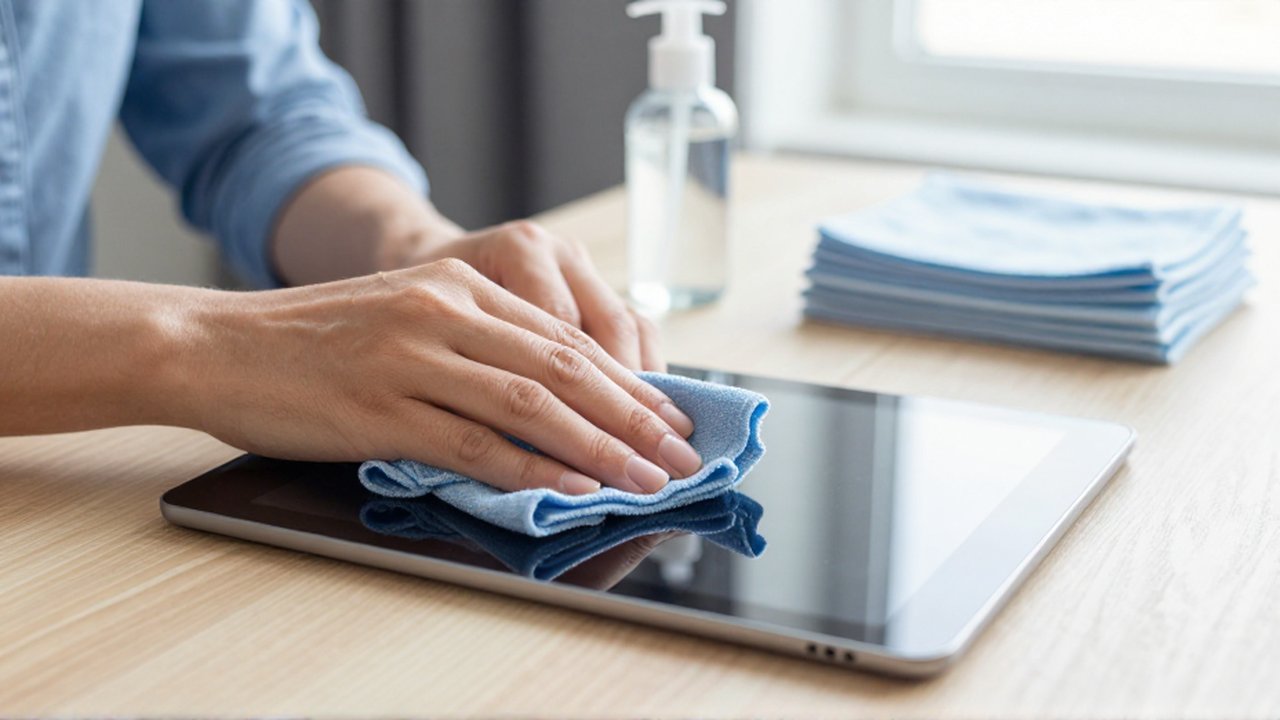
Before you begin the cleaning process, it is vital to gather the correct tools. Using improper materials like paper towels or coarse fabrics can cause micro-scratches that become visible over time.
The most important tool is a high-quality microfiber cloth. These cloths are specifically designed to lift dust and oils without scratching the glass surface. You should also have a container for your cleaning liquid and a few cotton swabs for reaching the edges of the device.
When it comes to liquids, you have two primary safe options:
- Distilled water: This is the safest choice for light cleaning. Unlike tap water, distilled water does not contain minerals like calcium or magnesium, which can leave white streaks or abrasive residue on the screen.
- 70% Isopropyl alcohol: This is useful for disinfecting the screen and removing stubborn oils. However, it should be used sparingly and only if the manufacturer's guidelines allow it.
Step by step cleaning process
To clean your tablet effectively without risking hardware damage, follow this structured sequence. Preparation and technique are more important than the intensity of the scrubbing.
First, always power down your tablet and unplug it from any charging cables. A dark screen makes it much easier to spot smudges, and a powered-off device eliminates the risk of electrical shorts if a tiny amount of moisture escapes the screen area.
Second, use a dry microfiber cloth to gently wipe the screen in circular motions. This removes loose dust and prevents the dust from being smeared into a paste when you apply liquid. If the screen is still dirty, dampen a corner of the microfiber cloth with a small amount of distilled water or isopropyl alcohol. Never spray liquid directly onto the tablet screen. Instead, apply the liquid to the cloth first. This controlled application prevents liquid from seeping into the edges, speakers, or charging ports.
Third, wipe the damp area of the cloth across the screen using light, consistent pressure. Avoid pressing too hard, as excessive force can damage the underlying LCD or OLED layers. Once the smudges are gone, use a dry section of the microfiber cloth to buff the screen, ensuring no streaks or moisture remain.
Liquids to avoid at all costs
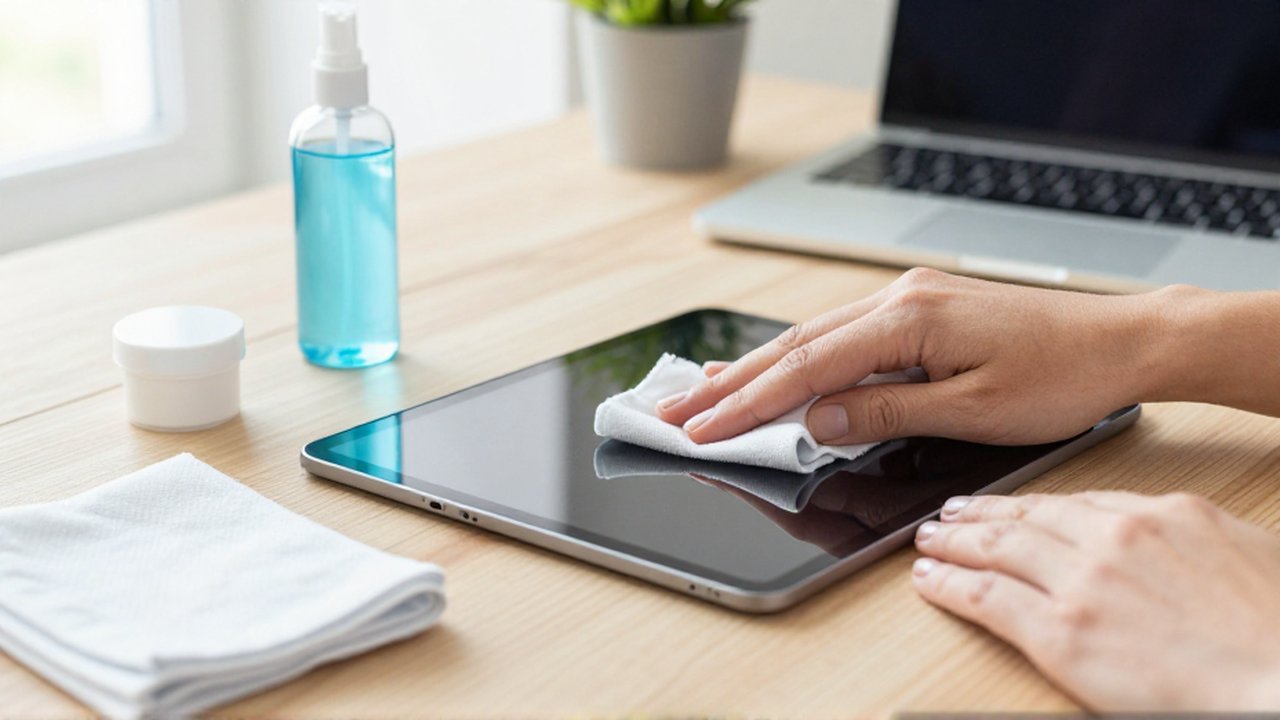
Many household cleaning products are highly effective for furniture or windows, but they are extremely dangerous for electronic displays. Using these can lead to the immediate degradation of the screen's protective layers.
You should never use window cleaners, ammonia, or bleach. These chemicals are too aggressive and will quickly dissolve the oleophobic coating that makes your tablet easy to swipe and resistant to fingerprints. Once this coating is gone, the screen will feel "sticky" and attract even more smudges.
Avoid using acetone or nail polish remover, as these can melt certain types of plastic components and permanently cloud the display. Additionally, avoid using paper towels, tissues, or abrasive sponges. While they may seem soft, these materials are made of wood fibers that can cause microscopic scratches on the glass surface, eventually making the screen look dull and cloudy.
Frequently asked questions
Can I use tap water to clean my screen? It is not recommended. Tap water contains minerals that can leave white streaks or a hazy residue on the glass once it dries. Distilled water is the much safer and more effective alternative.
Is it safe to use disinfectant wipes? Most modern tablets can handle wipes containing 70% isopropyl alcohol, but you should avoid wipes that contain bleach or strong scents. Always check your device manufacturer's specific recommendations before using sanitizing wipes.
How often should I clean my tablet? For general maintenance, a quick wipe with a dry microfiber cloth once a day is sufficient to remove dust. A more thorough cleaning with a damp cloth can be done weekly or whenever significant smudges appear.
Why does my screen feel different after cleaning? If the screen feels "sticky" or is harder to swipe, you may have accidentally stripped the oleophobic coating by using harsh chemicals like ammonia or excessive amounts of alcohol.
Leave a Reply