
Best router placement to avoid internet dead zones

Introduction
A common frustration for many households and small businesses is the sudden drop in signal strength or the presence of "dead zones"—specific areas where the Wi-Fi signal becomes too weak to support even basic browsing. This issue is often not caused by the service provider's bandwidth, but rather by the physical location of the wireless router. Optimizing the placement of your hardware is essential to ensure a stable, fast, and reliable connection across all rooms in your property.
Proper router positioning allows the wireless signals to propagate effectively through your living or working space. When a router is placed strategically, it minimizes physical interference and maximizes the range of the signal, reducing the need for expensive hardware upgrades. Understanding how radio waves travel and what materials they struggle to penetrate is the first step toward achieving seamless connectivity and eliminating the digital blind spots that hinder productivity.
Centrality and elevation for maximum coverage

The most effective way to distribute a Wi-Fi signal is to place the router in a central location within your building. Most routers emit signals in a 360-degree pattern, similar to how a light bulb illuminates a room. If the router is tucked away in a corner or placed near an exterior wall, half of the signal is essentially directed outside, wasted on the street or a neighbor's yard. By moving the device toward the middle of the house, you ensure the signal reaches all surrounding rooms more equitably.
Elevation is another critical factor in signal distribution. Because Wi-Fi signals tend to travel slightly downward and outward, placing a router on a high shelf or mounting it on a wall is significantly better than leaving it on the floor. Floors and heavy furniture act as obstacles that can absorb or deflect the signal before it reaches your devices. Keeping the router at least a few feet off the ground helps the waves travel over obstacles rather than through them.
Common physical obstacles to avoid
Different materials affect wireless signals in different ways. To avoid dead zones, you must identify and move away from objects that cause high interference. Some obstacles are more problematic than others:
- Dense materials: Concrete, brick, and stone are among the most difficult surfaces for Wi-Fi to penetrate. If your walls are made of these materials, you may need to place the router near doorways to allow the signal to pass through open spaces.
- Metal objects: Large appliances like refrigerators, metal filing cabinets, and even mirrors can reflect or block signals, creating shadows where there is no connectivity.
- Water elements: Large fish tanks or even heavy indoor plants can absorb radio frequencies, acting as a shield that weakens the connection.
- Electronic interference: Devices such as microwaves, cordless phones, and baby monitors often operate on the same frequency as many routers, causing significant disruption when they are in use.
Strategic placement tips for larger spaces
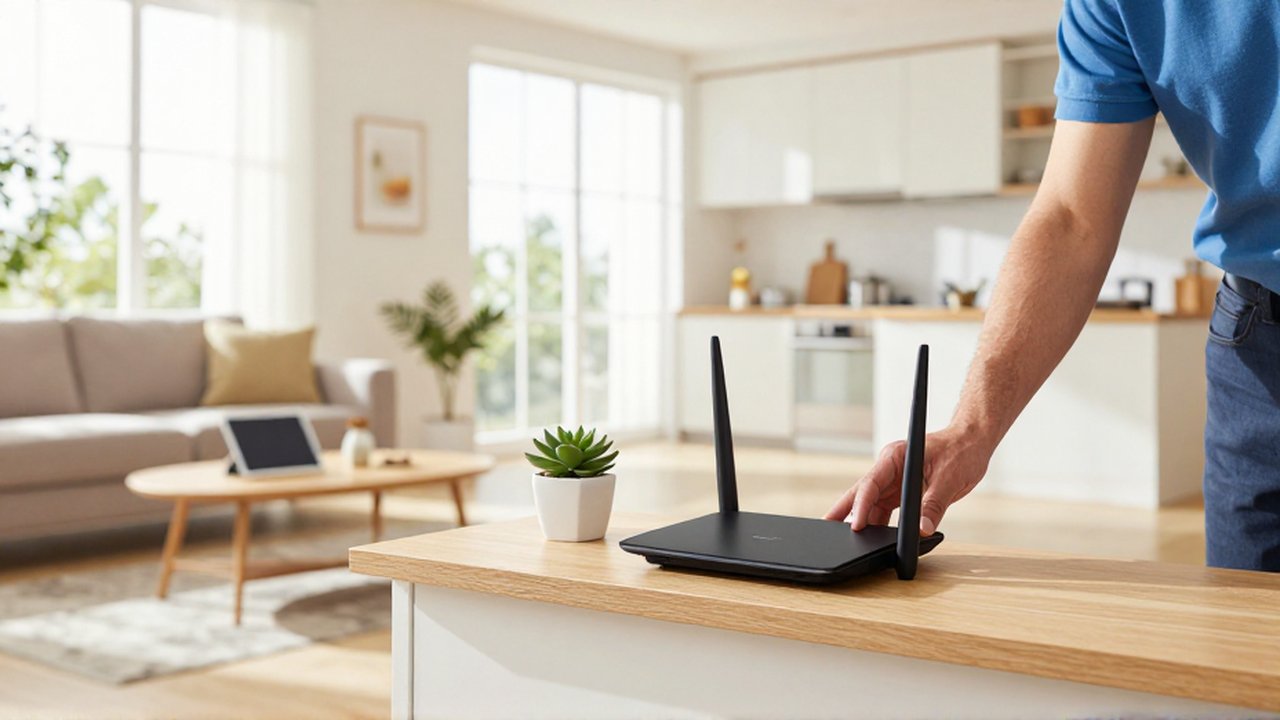
If you are dealing with a large home or a multi-story office, a single router may never be enough to eliminate every dead zone, regardless of placement. In these cases, you should assess the layout to see if a "line of sight" can be established between the router and the most frequently used areas. If a hallway provides a clear path to multiple rooms, placing the router at the start of that hallway can serve as a corridor for the signal.
For environments that are too large for one device, consider the following options to extend your coverage:
| Solution | Best Use Case | Benefit |
|---|---|---|
| Mesh Wi-Fi Systems | Large homes or multi-story buildings | Creates a single, seamless network throughout the area. |
| Wi-Fi Extenders | Small apartments with one specific dead zone | Rebroadcasts the existing signal to reach further. |
| Powerline Adapters | Thick-walled buildings where wireless signals fail | Uses your home's electrical wiring to transmit data. |
Frequent mistakes in router setup
Many users make the mistake of hiding their router inside a cabinet, behind a television, or inside a drawer to keep their space looking tidy. While this may be aesthetically pleasing, it is one of the most detrimental things you can do for your internet speed. Enclosing the router creates a physical barrier that drastically reduces the signal strength before it even leaves the device.
Another frequent mistake is placing the router too close to other electronic hubs. Clustering your router next to a gaming console, a computer, or a smart TV can lead to local congestion and interference. Providing a bit of "breathing room" around the router not only helps with signal propagation but also assists with heat dissipation, preventing the device from overheating and slowing down.
Frequently asked questions
Why is my Wi-Fi signal stronger in some rooms than others? This is usually due to the distance from the router and the amount of physical material (walls, doors, furniture) the signal must pass through to reach that room.
Does moving my router to a higher position actually help? Yes, elevating the router allows the signal to spread more freely over the tops of furniture and obstacles, rather than being absorbed by them.
Can a thick wall cause an internet dead zone? Absolutely. Materials like concrete, brick, and metal are highly effective at blocking or reflecting Wi-Fi signals, which can lead to total loss of connectivity in certain areas.
Will a new router fix my dead zones? A new router can help if your current hardware is outdated or weak, but the physical layout and obstacles in your home will still matter regardless of the device's power.
Leave a Reply