
What equipment is needed for a fiber optic connection

Introduction
Fiber optic technology has revolutionized how we access the internet by using pulses of light transmitted through glass strands to deliver massive amounts of data. Unlike traditional copper wiring, fiber optics provide significantly higher bandwidth, lower latency, and greater stability, making it the preferred choice for modern homes and businesses. Understanding the specific hardware required is essential to ensure you can actually utilize the high speeds your provider offers.
Setting up a fiber connection requires a specialized ecosystem of devices that convert light signals into electrical signals that your computers and smartphones can understand. While the Internet Service Provider (ISP) usually handles the initial installation and provides the primary conversion hardware, knowing what each component does helps you optimize your home network. This knowledge is particularly useful when you decide to expand your coverage or upgrade your internal routing capabilities.
The optical network terminal or ONU
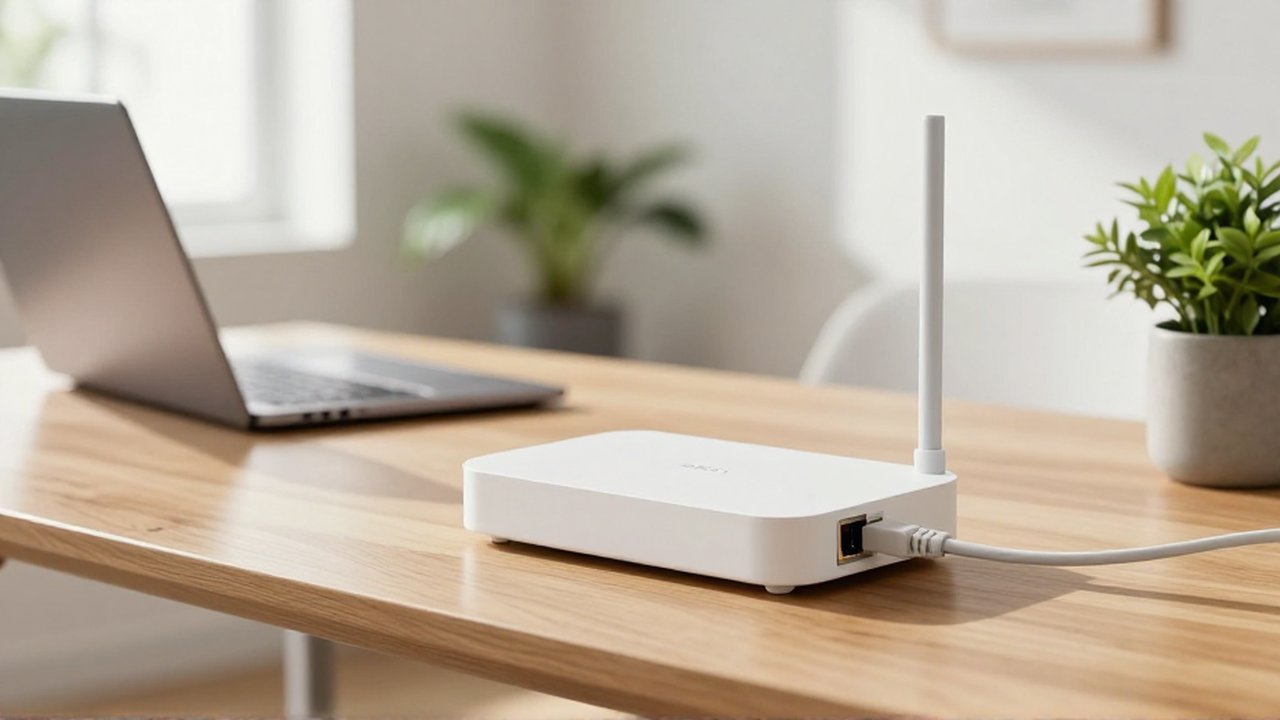
The most critical piece of equipment in a fiber optic setup is the Optical Network Terminal (ONT), sometimes referred to as an Optical Network Unit (ONU). This device acts as the bridge between the fiber optic cable coming from the street and your local home network. Since your devices communicate via electrical signals and the fiber optic line carries light, the ONT is responsible for the conversion process.
In many modern residential installations, the ONT is a small box mounted on a wall near the entry point of the fiber cable. Once the light signal is converted into an electrical signal, the ONT typically features an Ethernet port. This port serves as the exit point for the data, allowing it to be sent to a router or a computer. Without a functioning ONT, the high-speed light signal remains inaccessible to your digital devices.
The wireless router and distribution system
While the ONT brings the internet into your building, the router is what distributes that connection to your various devices. In many cases, service providers offer a "Gateway," which is a single device that combines the functions of an ONT and a wireless router into one unit. However, many advanced users prefer to separate these functions to achieve better performance.
If you use a standalone router, you will connect it to the ONT via an Ethernet cable. The router performs several vital tasks:
- IP Address Management: Assigning unique addresses to every device in your home.
- Routing: Directing data packets to the correct destination, such as your laptop or smart TV.
- Wireless Broadcasting: Creating the Wi-Fi signal that allows mobile devices to connect without cables.
- Security: Providing a firewall to protect your local network from external threats.
For larger homes or office spaces, a single router might not be enough to cover all areas. In these scenarios, you may need additional equipment such as Mesh Wi-Fi systems or Wireless Access Points (WAPs) to eliminate dead zones and ensure consistent speeds in every room.
Essential cabling and physical components
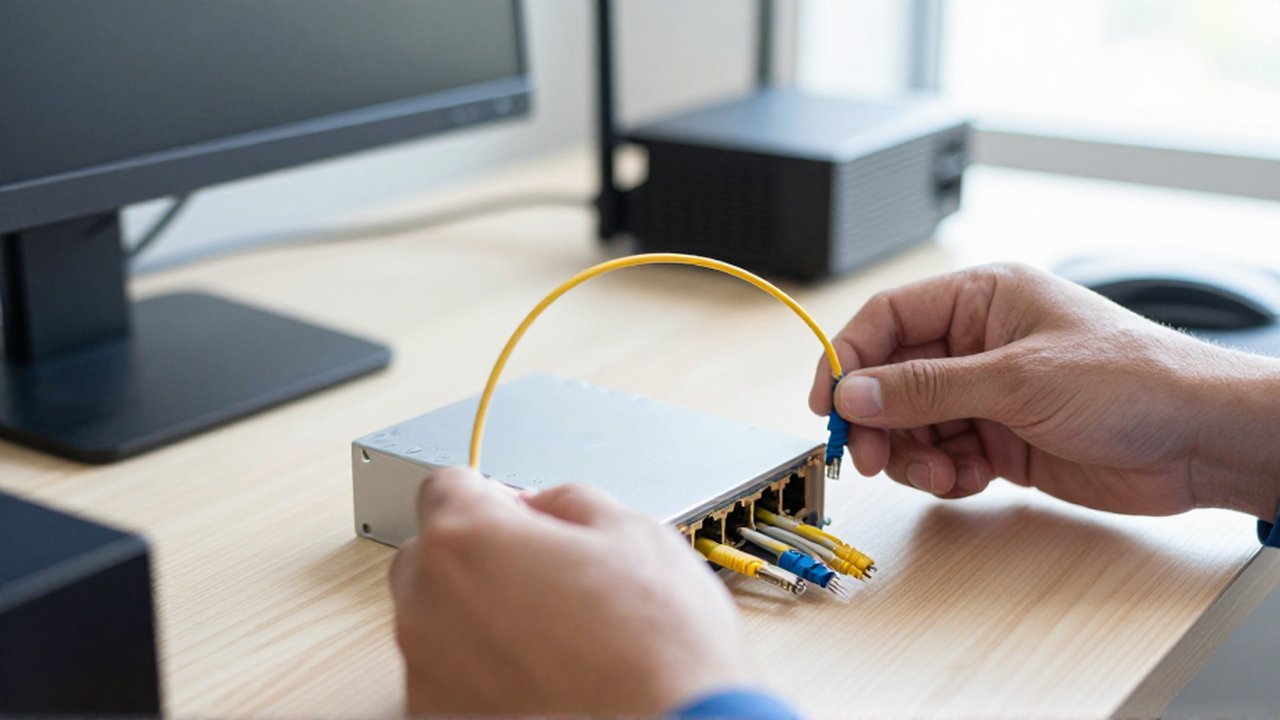
The hardware that facilitates the connection is not limited to electronic boxes; the physical medium and the cables used to connect them are equally important. To maintain the integrity of a high-speed connection, you must use cables that are rated for the speeds you are paying for.
The following components are standard in a fiber optic environment:
| Component | Function | Importance |
|---|---|---|
| Fiber Optic Patch Cord | Connects the external fiber line to the ONT. | Must be kept clean and free of sharp bends to avoid signal loss. |
| Ethernet Cables (Cat6 or Cat6a) | Connects the ONT to the router and other wired devices. | Essential for maintaining gigabit speeds; avoid older Cat5 cables. |
| Power Adapters | Provides electricity to the ONT and router. | Must be the original manufacturer's version to ensure stability. |
A common mistake is using old Ethernet cables (like Cat5) to connect a high-speed fiber ONT to a router. If the cable is not rated for high speeds, it will create a bottleneck, making your expensive fiber connection feel as slow as an old DSL line.
Frequently asked questions
Can I use my old router with a new fiber connection? Yes, you can use your existing router as long as it has a WAN port and supports the speeds provided by your fiber plan. However, if your old router is outdated, it may limit your internet speed or offer poor Wi-Fi coverage.
Do I need to buy my own ONT? Typically, no. The ONT is usually provided and installed by your Internet Service Provider because it must be compatible with their specific network architecture.
What is the difference between an ONT and a Modem? A modem converts signals from traditional lines (like coaxial cable or phone lines) into digital data, whereas an ONT converts light signals from fiber optic cables into digital data.
Will adding more devices slow down my fiber connection? While fiber has high capacity, having many devices performing high-bandwidth tasks simultaneously (like 4K streaming or large downloads) can impact performance if your router is not powerful enough to manage the traffic.
Leave a Reply