
Comparison between SSD and HDD storage performance
Introduction
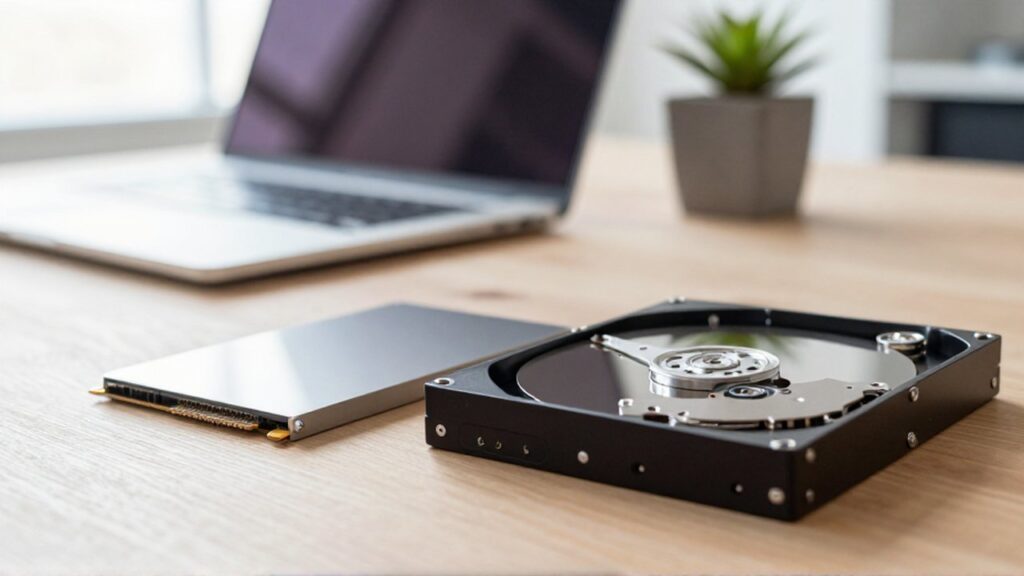
Choosing the right storage drive is one of the most critical decisions when building or upgrading a computer. Whether you are a student working on academic projects, a small business owner managing digital records, or a professional handling heavy software, your storage medium directly affects how quickly your system responds to commands. The primary difference lies in how data is accessed and moved, which dictates the overall speed and reliability of your computing experience.
The two main technologies available today are Hard Disk Drives (HDD) and Solid State Drives (SSD). Understanding their performance characteristics is essential to avoid investing in hardware that might bottleneck your processor or fail to meet your specific workflow needs. While one offers massive capacity at a lower cost, the other provides the rapid-fire speed required for modern operating systems and demanding applications.
Fundamental differences in technology
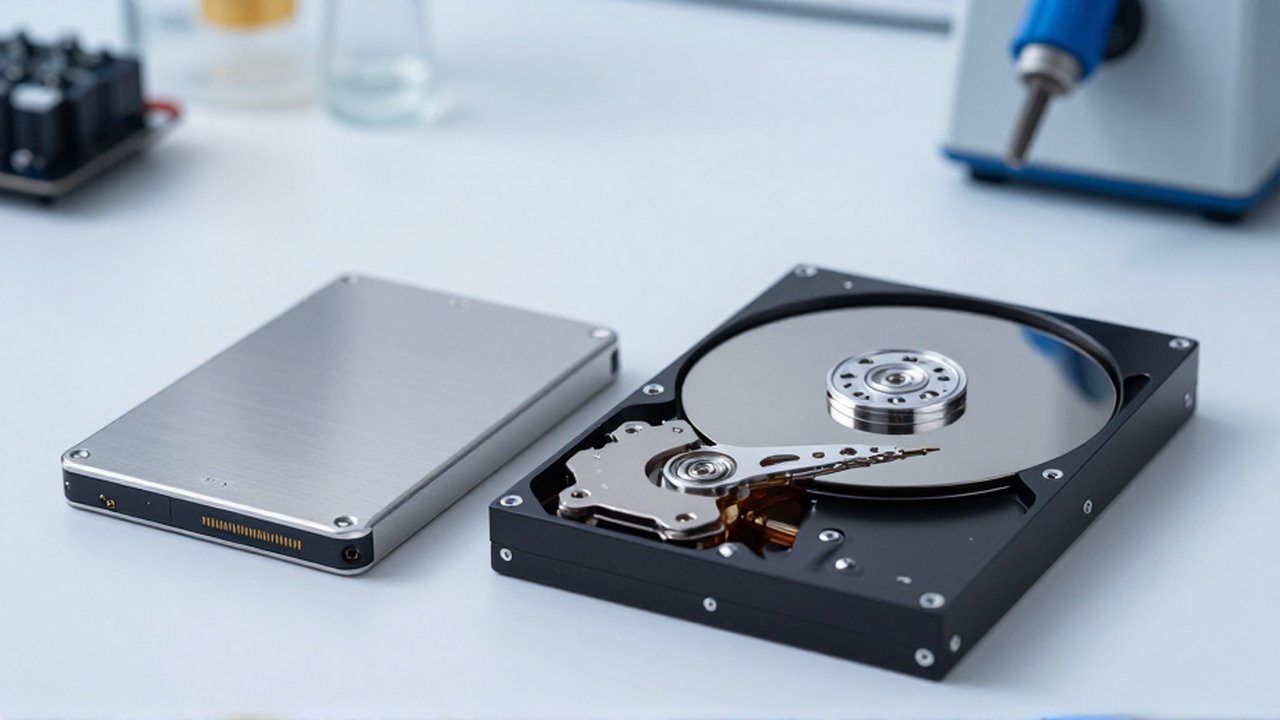
To understand performance, one must first understand the underlying mechanics. A Hard Disk Drive (HDD) is an electromechanical device. It contains spinning magnetic platters and a moving actuator arm with a read/write head, similar to how a vinyl record player works. Because the drive must physically rotate the disk to the correct position and move the arm to find data, there is an unavoidable delay known as latency.
In contrast, a Solid State Drive (SSD) has no moving parts. It relies on flash memory, which uses electrical signals to store and retrieve data almost instantaneously. Because there is no mechanical movement involved, an SSD can access any piece of data on the drive at the same speed, regardless of where it is located. This fundamental architectural difference is the reason why SSDs consistently outperform HDDs in almost every measurable metric.
Speed and data transfer rates
The most noticeable difference for a user is the speed of data operations. This is generally measured in two ways: sequential read/write speeds and random access speeds.
Sequential speeds refer to moving large, continuous files, such as high-definition videos or large software installers. While high-end HDDs can manage decent sequential speeds, SSDs are vastly superior, often operating several times faster than the quickest mechanical drives.
Random access speeds are perhaps more important for daily computing. This refers to how quickly a drive can access small, scattered bits of data, such as system files, registry entries, or application components. Because SSDs use electrical pathways instead of mechanical arms, their random access speeds are exponentially higher. This results in much faster boot times, quicker application launches, and a more "snappy" feel when multitasking in Windows, macOS, or Linux.
Durability and physical reliability
Performance is not just about speed; it is also about how the hardware performs under physical stress. Because HDDs rely on precise mechanical movements and spinning disks, they are highly sensitive to physical movement. Dropping a laptop with a spinning HDD or even moving a desktop case while the drive is active can result in "head crashes," where the read/write head touches the platter, leading to permanent data loss.
SSDs are significantly more robust due to their solid-state nature. Since there are no moving parts, they are much more resistant to physical shocks, vibrations, and drops. This makes SSDs the ideal choice for mobile users, such as students or professionals who frequently carry laptops between locations. While SSDs have a limited number of write cycles (the amount of data you can write before the cells wear out), modern controllers and wear-leveling technologies ensure that for most standard users, the drive will remain functional for many years.
Capacity and cost effectiveness
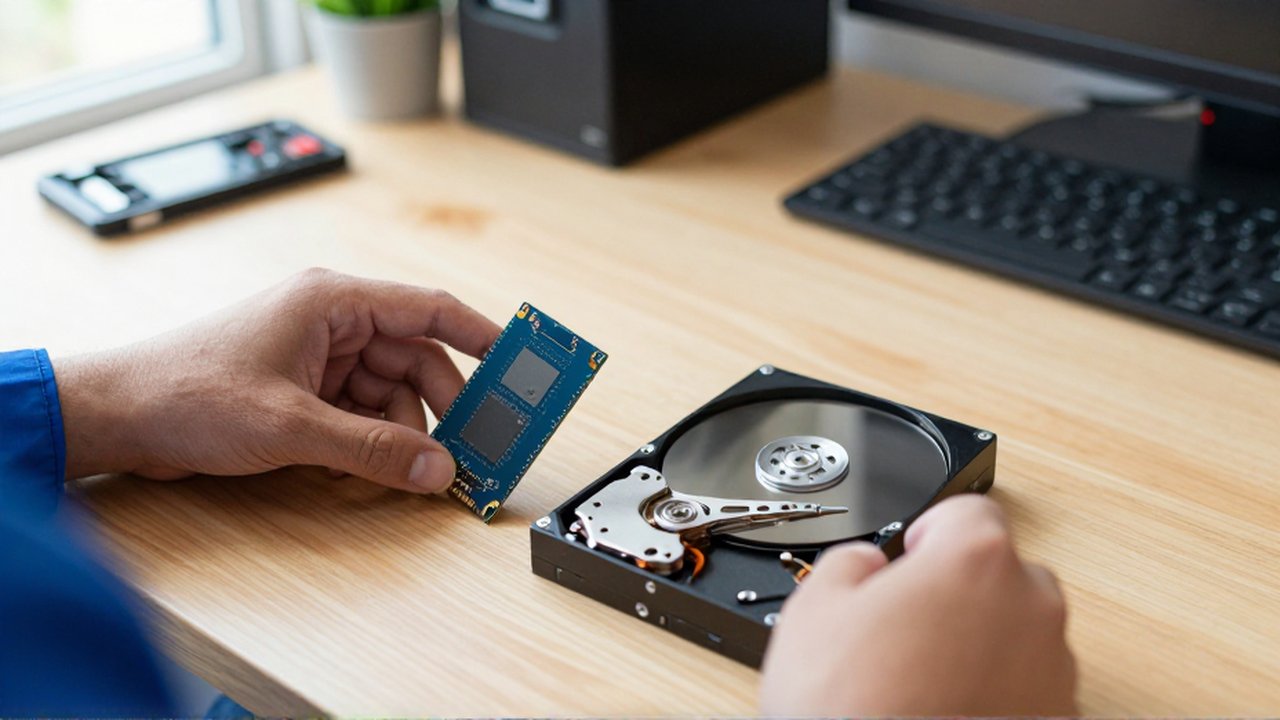
When considering storage, there is often a trade-off between performance and volume. HDDs remain the kings of high-capacity, low-cost storage. If your primary goal is to store terabytes of data—such as large archives of photos, backups, or media libraries—HDDs offer a much more economical solution per gigabyte.
SSDs have become increasingly affordable, but they still generally carry a higher price tag for equivalent capacities compared to HDDs. For most modern users, the best strategy is a hybrid approach: using a smaller, fast SSD for the operating system and primary software to ensure speed, while using a larger HDD for mass storage of files that do not require instant access.
Summary of key technical traits
| Feature | Hard Disk Drive (HDD) | Solid State Drive (SSD) |
|---|---|---|
| Mechanism | Moving mechanical parts | Flash memory chips |
| Boot Times | Slower | Very fast |
| Data Access | High latency (mechanical) | Low latency (electrical) |
| Physical Durability | Low (sensitive to movement) | High (shock resistant) |
| Best Use Case | Mass storage and backups | Operating systems and apps |
Frequently asked questions
Will an SSD make my old computer feel faster? Yes. Replacing an old HDD with an SSD is often the most effective way to breathe new life into an aging computer. It significantly reduces boot times and makes the operating system feel much more responsive.
Can I use both an SSD and an HDD in the same computer? Yes, this is a very common configuration. You can use an SSD as your primary drive (C: drive) for your software and operating system, while using an HDD as a secondary drive for large files and long-term storage.
Are SSDs more expensive than HDDs? Generally, yes. On a price-per-gigabyte basis, HDDs are cheaper. However, as technology advances, the price gap is narrowing, especially for smaller capacities commonly used for system drives.
Do SSDs wear out over time? Technically, yes, because flash memory cells have a finite number of times they can be written to. However, for the vast majority of home and office users, the drive will likely be obsolete due to technological advancement long before it reaches its write limit.
Leave a Reply