
Guide to protecting mobile hardware from tropical heat
Introduction
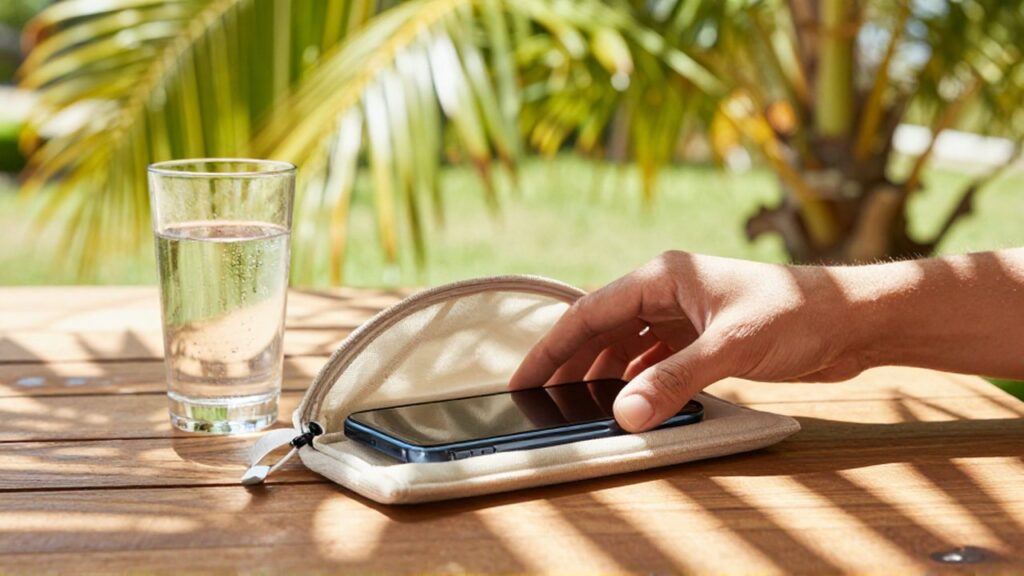
Living in a tropical climate like the Dominican Republic presents unique challenges for electronic devices. Excessive heat and high humidity levels can significantly shorten the lifespan of mobile phones, tablets, and other portable hardware. Understanding how temperature affects internal components is essential for anyone who relies on their devices for work, education, or daily communication.
Heat is the primary enemy of modern mobile hardware. When a device's internal temperature rises above a certain threshold, it can lead to permanent damage to the lithium-ion battery, screen discoloration, or even total component failure. This guide provides practical strategies to mitigate these risks, ensuring your technology remains functional and efficient despite the intense tropical sun.
Impact of high temperatures on mobile components
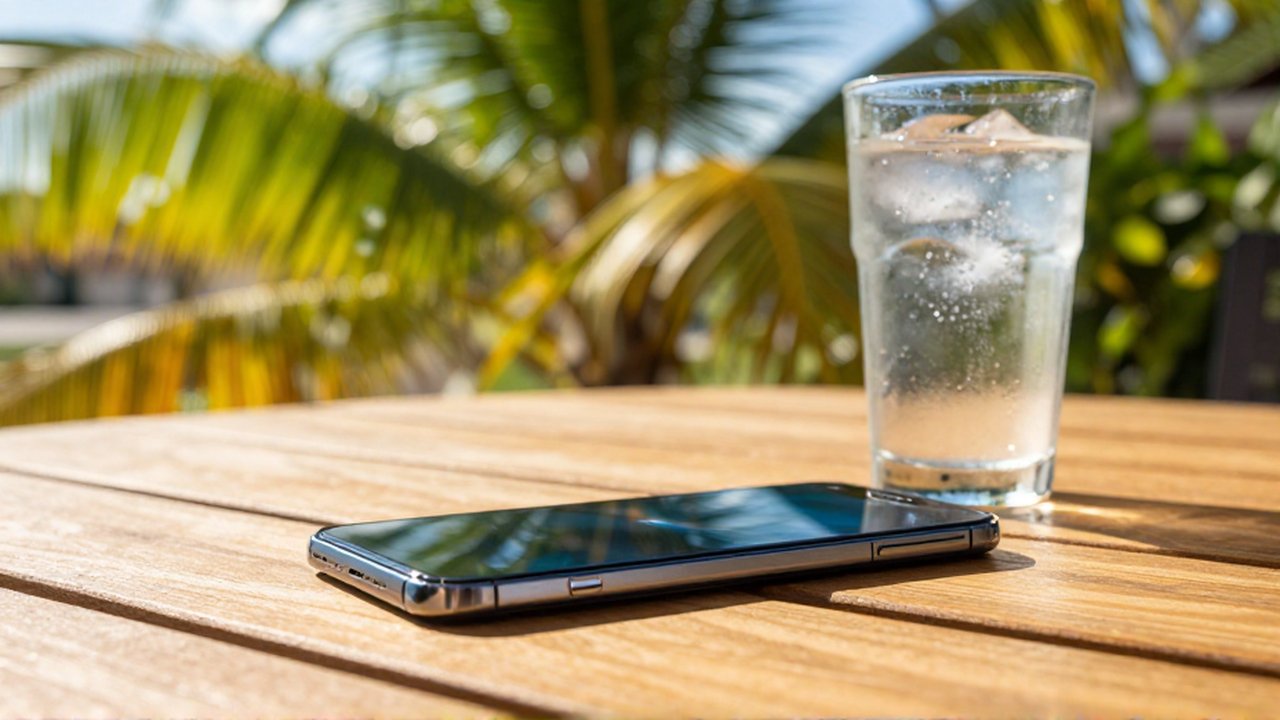
Mobile devices are composed of dense, tightly packed components that rely on efficient heat dissipation to function. When the external ambient temperature is high, the device struggles to shed the heat generated by its own processor and battery. This thermal buildup can trigger several critical issues.
The most vulnerable component is the lithium-ion battery. High temperatures accelerate chemical degradation within the battery cells, leading to reduced capacity and faster aging. In extreme cases, excessive heat can cause the battery to swell, which may physically damage the device's chassis or screen. Additionally, the processor may engage in "thermal throttling," a process where the device intentionally slows down its performance to generate less heat, resulting in lag and software instability.
Practical prevention techniques for daily use
Protecting your hardware requires a combination of mindful habits and environmental awareness. One of the most common mistakes is leaving mobile devices in direct sunlight, such as on a car dashboard or a patio table. Even a few minutes of direct exposure to tropical sunlight can push internal temperatures to dangerous levels.
To maintain a safe operating temperature, follow these recommendations:
- Avoid direct sunlight: Always keep your device in the shade, especially when outdoors.
- Remove protective cases during heavy use: Some thick, rugged cases act as insulators, trapping heat inside the device. If you notice the phone getting warm while gaming or filming, temporarily remove the case.
- Mindful charging habits: Charging a device generates internal heat. Avoid using high-intensity apps while the phone is plugged into a charger in a warm room.
- Use breathable environments: If you are working outdoors, place your device on a cool, flat surface rather than a soft material like a cushion or fabric, which restricts airflow.
Managing humidity and moisture risks
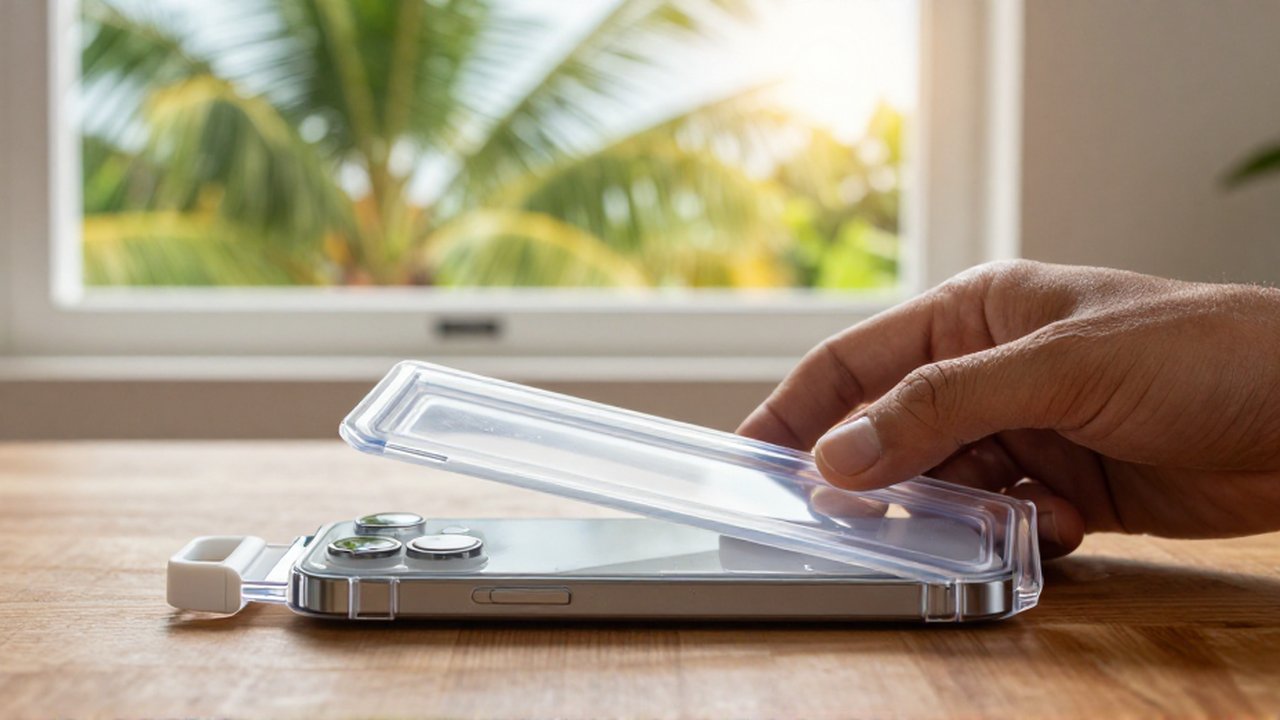
In tropical regions, heat is often accompanied by high humidity, which introduces the risk of condensation. When a hot device is suddenly moved into a heavily air-conditioned room, moisture can condense inside the hardware. This microscopic water buildup can cause short circuits or corrosion on the motherboard.
To mitigate this, avoid moving your device rapidly between extreme temperature environments. If you have been outdoors in the heat, allow the device to acclimate to the indoor temperature gradually. Furthermore, ensure that your device's ports (charging ports and headphone jacks) are kept dry, as humidity can trap moisture in these areas, leading to connectivity issues or hardware failure over time.
Indicators of overheating and emergency steps
Recognizing the signs of overheating before damage occurs is crucial for device longevity. Most modern smartphones are equipped with internal sensors that will trigger a warning. If your device feels uncomfortably hot to the touch, or if you notice the screen dimming unexpectedly, these are immediate signals to act.
If you realize your device is overheating, follow these steps:
- Stop all active processes: Close all running applications and turn off high-drain features like GPS, Bluetooth, or Wi-Fi if they are not needed.
- Power down the device: Turning the phone off completely allows the components to cool down more effectively by stopping all electrical activity.
- Find a cool spot: Move the device to a shaded, well-ventilated area.
- Avoid rapid cooling methods: Never put a hot phone in a refrigerator or freezer. The sudden temperature shift can cause internal condensation and thermal shock, leading to permanent hardware failure.
Frequently Asked Questions
Can a phone case protect my device from heat? While some cases provide physical protection, many can actually trap heat. If you are in a hot environment, it is often better to use a slim case or remove it entirely to allow the device to dissipate heat more effectively.
Does fast charging make my phone hotter? Yes, fast charging involves higher electrical currents, which naturally generates more heat. It is recommended to charge your device in a cool, well-ventilated area and avoid heavy usage during the charging process.
Is it safe to leave my phone in a parked car? No. The interior of a car in a tropical climate can reach temperatures far exceeding the safe operating limits of any mobile device, posing a severe risk of battery damage or permanent hardware failure.
What should I do if my battery starts to swell? If you notice the back of your phone bulging or the screen lifting, stop using the device immediately. A swollen battery is a safety hazard and should be inspected and replaced by a professional technician as soon as possible.
Leave a Reply