
When to replace a laptop battery for better performance

Introduction
A laptop battery is a consumable component, meaning it is designed to wear out over time due to chemical aging and frequent usage cycles. Maintaining a healthy battery is essential for ensuring your device remains portable and reliable, especially for students and professionals who rely on mobile computing. When a battery begins to degrade, it does more than just reduce the time you can work away from a wall outlet; it can also cause unexpected system shutdowns and performance throttling.
Recognizing the signs of an aging battery allows you to plan for a replacement before a critical failure occurs. Understanding the relationship between battery health and overall system stability is key to maximizing the lifespan of your hardware. By identifying specific patterns of degradation, you can make informed decisions about whether to continue using your current battery or invest in a new one to restore your laptop's efficiency.
Signs of battery degradation

The most obvious sign that a battery needs replacement is a significant decrease in runtime. If your laptop used to last several hours on a single charge but now struggles to stay powered for thirty minutes or an hour, the chemical capacity of the cells has diminished. This reduction is a natural part of the lithium-ion lifecycle, but extreme drops indicate the battery is nearing the end of its functional life.
Another common symptom is unexpected shutdowns. If your laptop suddenly turns off even when the operating system indicates there is still a percentage of charge remaining, it usually means the battery can no longer provide a consistent voltage to the hardware. This instability can lead to data loss or file corruption if the system shuts down while you are working on important documents.
Physical changes are also a critical red flag. If you notice the casing of your laptop bulging, or if the touchpad or keyboard seems to be lifting, this is often caused by a swollen battery. A swollen battery is a serious hardware issue that requires immediate attention to prevent damage to other internal components.
How battery health affects system performance
Many users are surprised to learn that a failing battery can actually slow down their computer. Modern operating systems and hardware controllers often implement power management features that throttle the CPU (Central Processing Unit) when they detect a degraded battery. This is a protective measure designed to prevent the system from drawing more power than the aging battery can reliably supply, which helps avoid sudden crashes.
When this throttling occurs, you might notice:
- Slower application loading times.
- Lagging in video playback or web browsing.
- Delays in system responsiveness during multitasking.
- Increased heat generation as the system struggles to manage power delivery.
Replacing the battery restores the ability of the hardware to draw the necessary voltage for peak performance, allowing the processor to operate at its intended speeds without artificial limitations.
Methods to check battery health
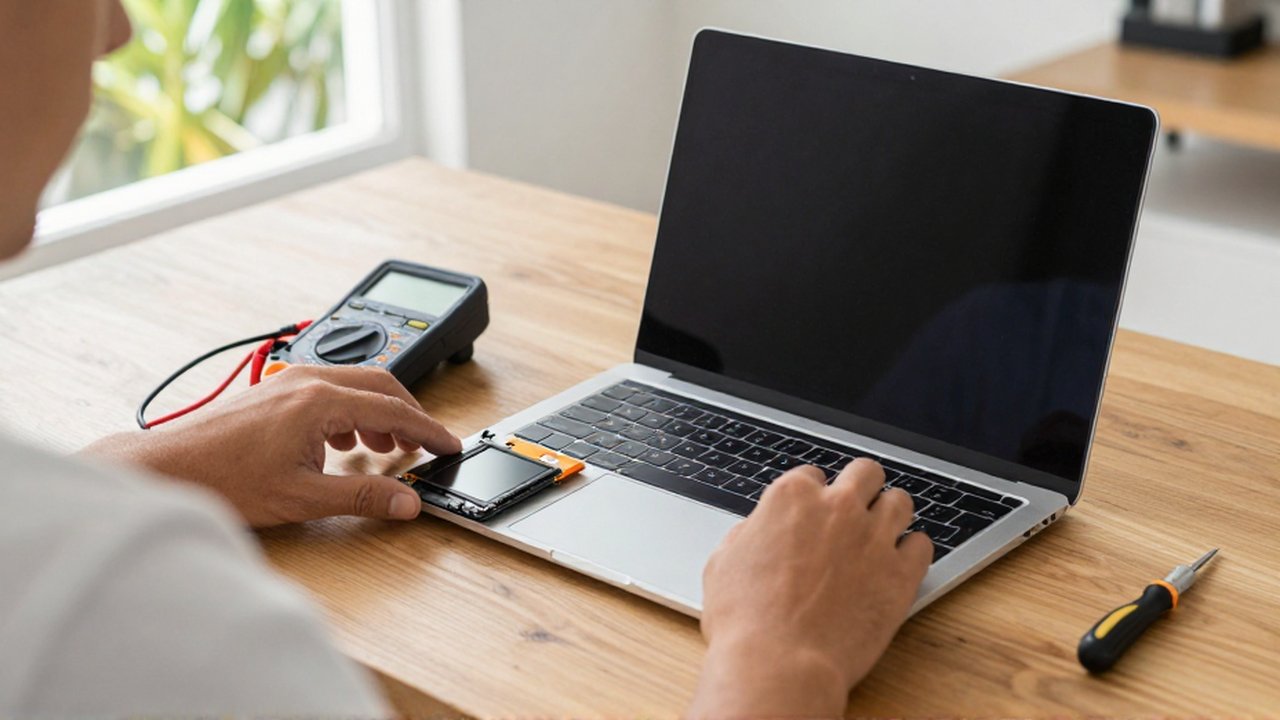
Before deciding on a replacement, you can use built-in software tools to assess the actual state of your hardware. Most operating systems provide ways to generate a battery report that reveals the current capacity compared to the original design capacity.
On Windows systems You can use the Command Prompt to generate a detailed "Battery Report." This report provides data on the number of charge cycles the battery has completed and the current full charge capacity versus the capacity the battery had when it was new. A large discrepancy between these two numbers is a clear indicator of wear.
On macOS systems Apple provides a straightforward way to check health through the System Settings. Under the Power or Battery section, the system will often provide a "Service Recommended" warning if the battery's maximum capacity has dropped below a certain threshold or if it is unable to support peak performance.
Best practices for battery longevity
While all batteries eventually fail, you can slow down the degradation process by following certain maintenance habits. Avoiding extreme temperatures is one of the most effective strategies, as heat is the primary enemy of lithium-ion chemistry. Try to use your laptop in environments with stable, moderate temperatures and avoid leaving it in a hot car or direct sunlight.
Additionally, how you manage charging cycles matters. While it is not necessary to keep a laptop plugged in 24/7, constantly running the battery down to 0% can be stressful for the cells. Aiming to keep the charge level between 20% and 80% is generally considered a healthy range for long-term maintenance. Finally, avoid using low-quality, third-party chargers, as inconsistent voltage delivery can cause permanent damage to both the battery and the laptop's charging circuitry.
Frequently asked questions
How many charge cycles can a laptop battery handle? While it varies by manufacturer, most modern lithium-ion batteries are designed to retain a significant portion of their capacity for several hundred full charge cycles. Once you exceed this threshold, you will likely notice a decline in performance.
Can I use my laptop without the battery installed? Many laptops can run directly on the power adapter without a battery, but this is not recommended for most users. Without the battery, the laptop has no protection against sudden power outages or cable disconnections, which can cause instant shutdowns and data loss.
Is it better to buy an original or a third-party battery? Original equipment manufacturer (OEM) batteries are generally safer and more reliable because they are designed specifically for your device's voltage and thermal requirements. Third-party batteries can be cheaper, but they may lack the necessary safety protections and might not provide the same longevity.
Does keeping my laptop plugged in all the time ruin the battery? Modern laptops are smart enough to stop charging once they reach 100%, but keeping a battery at a constant high voltage and high temperature can accelerate chemical aging over several years. Using built-in software to limit the maximum charge to 80% can help mitigate this.
Leave a Reply