
Benefits of using mesh Wi-Fi systems for large homes
Introduction
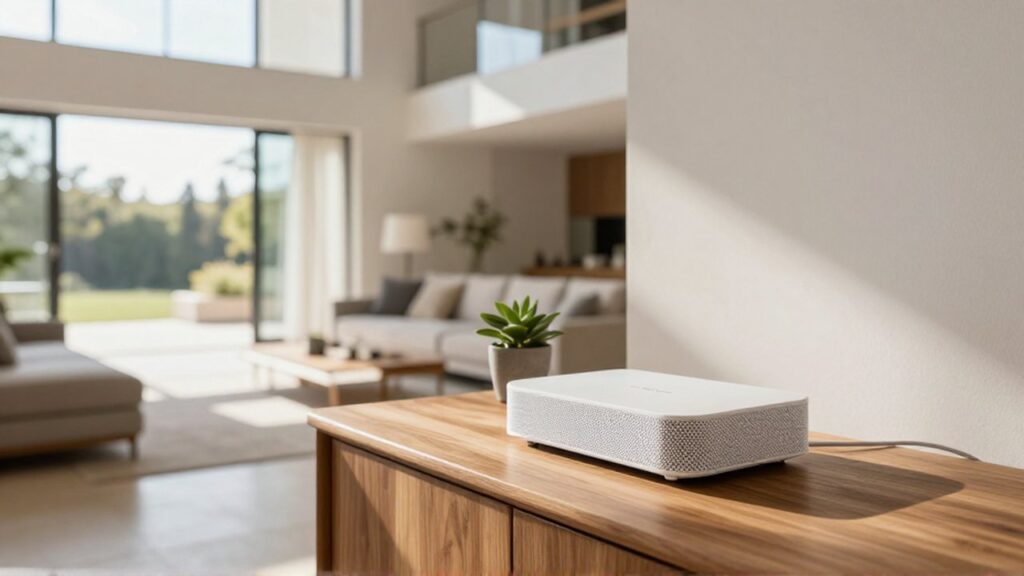
A mesh Wi-Fi system is a modern networking solution designed to eliminate wireless dead zones in expansive residential properties. Unlike traditional setups that rely on a single router, a mesh system uses a centralized hub and several satellite nodes distributed throughout the house to create a single, seamless network. This technology is essential for homeowners who experience signal drops in distant rooms, thick-walled areas, or multi-story layouts where a solitary signal cannot penetrate effectively.
Implementing a mesh network is particularly appropriate when you have numerous connected devices, such as smart TVs, security cameras, and mobile devices, all competing for bandwidth. As digital lifestyles become more demanding, ensuring that high-speed internet reaches every corner of a large home is no longer a luxury but a necessity for remote work, streaming, and online education.
Seamless connectivity across large spaces
The primary advantage of a mesh system is the creation of a unified network. In a traditional setup using range extenders, your device often stays connected to a weak signal from the main router until it completely cuts out before switching to the extender. This causes momentary disconnections that disrupt video calls or online gaming.
Mesh technology utilizes a concept called seamless roaming. Because all nodes in the mesh system share the same Network Name (SSID) and security credentials, your smartphone or laptop intelligently switches between nodes as you move from the living room to the bedroom. This transition happens in the background without the user noticing any interruption in service.
Improved bandwidth management and reliability
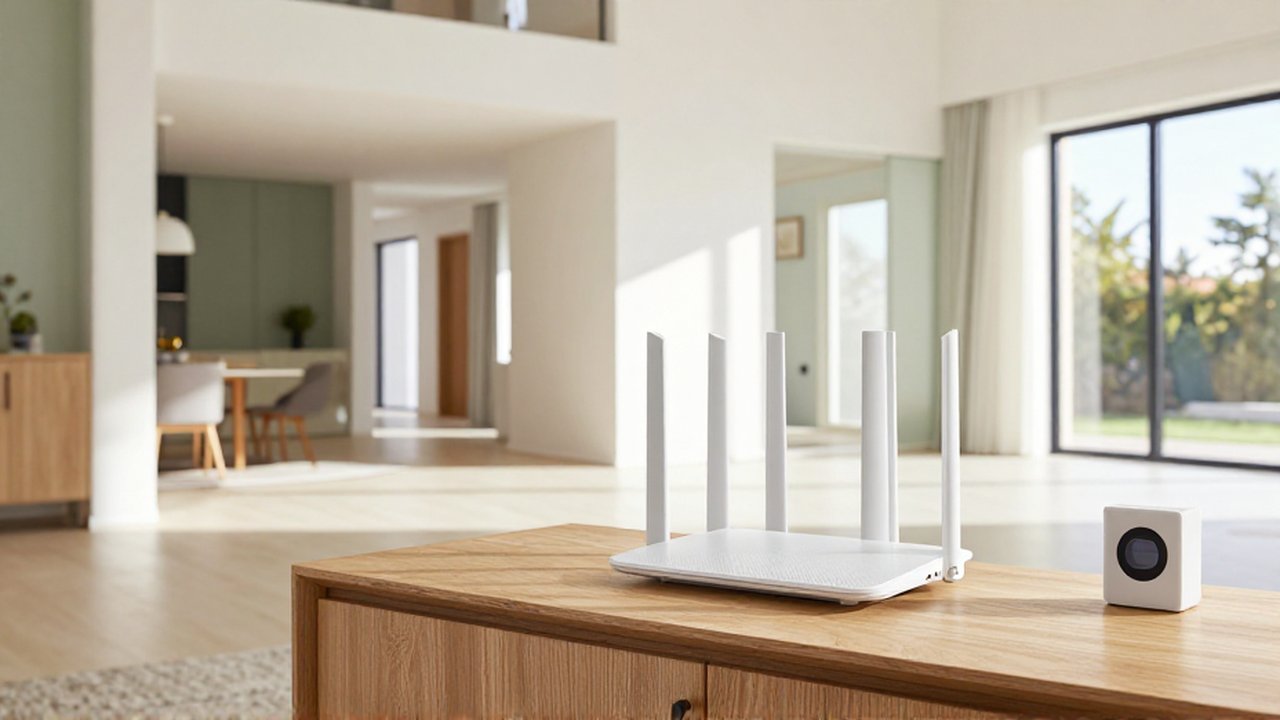
Large homes often face the challenge of "signal congestion," where too many devices connected to one point slow down the entire network. Mesh systems are designed to handle high device density more efficiently than standard routers.
| Feature | Traditional Router/Extender | Mesh Wi-Fi System |
|---|---|---|
| Network Name | Multiple names (e.g., Home_Wi-Fi, Home_Ext) | Single unified name |
| Handover | Manual or disruptive switching | Automatic and seamless roaming |
| Coverage | Prone to dead zones in large areas | Consistent coverage via distributed nodes |
| Management | Often requires separate configurations | Centralized management via app |
The nodes in a mesh network communicate with each other using a dedicated wireless backhaul or a wired connection. This ensures that data travels the most efficient path to reach your device, reducing latency and maximizing the speed provided by your Internet Service Provider (ISP).
Simplified installation and management
Modern mesh systems are built with user experience in mind, making them ideal for individuals who are not networking experts. Most systems are configured through intuitive mobile applications that guide you through the placement and setup process.
These applications often provide real-time feedback on node placement. For example, if a satellite node is placed too far from the main hub, the app will notify you that the connection is weak and suggest a better location. Additionally, managing your entire home network—such as setting up parental controls, scheduling downtime, or updating firmware—can be done from a single interface.
Considerations for choosing a mesh system
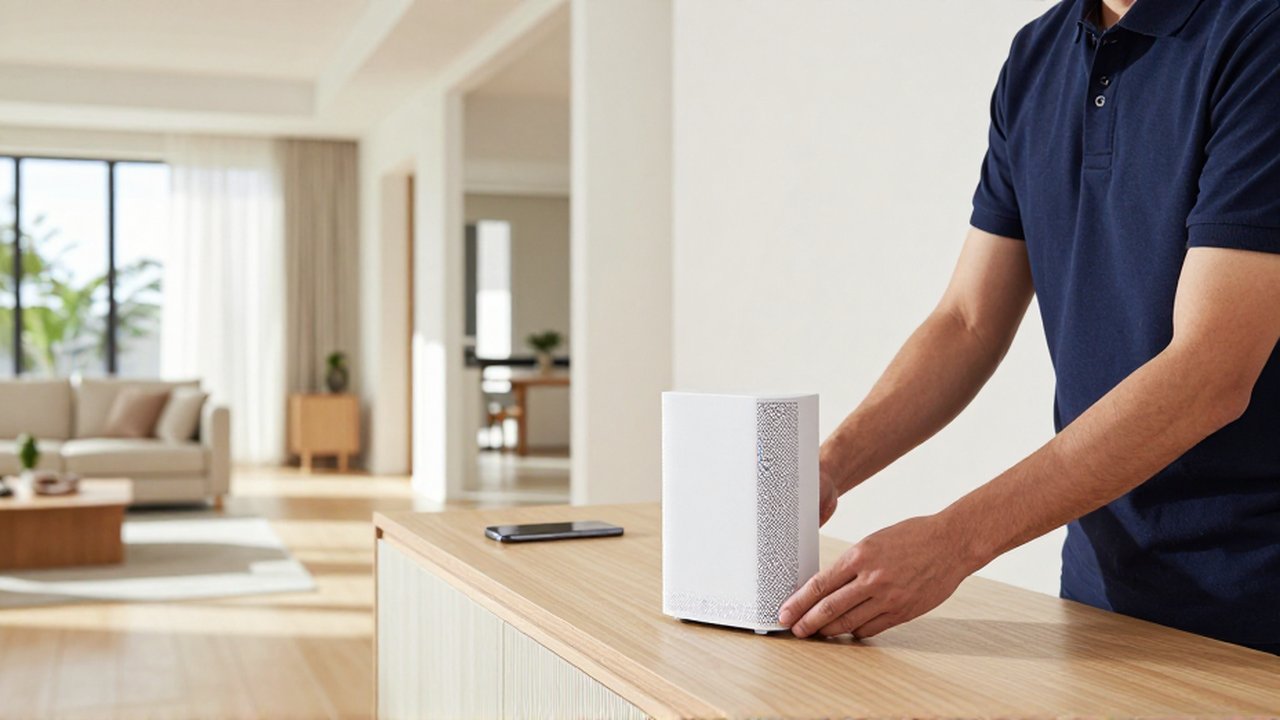
While mesh systems offer significant advantages, they are not a one-size-fits-all solution. To get the most benefit, consider the following factors:
- Home Layout and Materials: Thick concrete walls, mirrors, and metal structures can impede wireless signals. In such cases, choosing a mesh system that supports "Tri-band" technology can help, as it provides an extra dedicated frequency for communication between nodes.
- Number of Nodes: The size and complexity of your home dictate how many satellites you need. A two-story home may require three nodes, while a sprawling estate might require more.
- Wired vs. Wireless Backhaul: If your home is pre-wired with Ethernet ports in various rooms, you can connect the mesh nodes via cables. This "wired backhaul" provides the most stable and fastest possible performance.
Common pitfalls to avoid
A frequent mistake is placing mesh nodes too close to the main router, which provides redundant coverage, or placing them too far away, which results in the nodes having nothing to "repeat." Nodes should ideally be placed halfway between the main router and the area where the signal is weak.
Another error is overestimating the capabilities of a budget mesh system. High-demand households with many 4K streaming devices and gaming consoles should look for systems that support the latest wireless standards to ensure long-term compatibility and speed.
Frequently asked questions
Is mesh Wi-Fi better than a Wi-Fi extender? Yes, for large homes. While extenders simply repeat a signal and often create separate networks, mesh systems create a single, seamless network that allows devices to roam without disconnection.
Can I use a mesh system with my existing modem? Yes. You typically connect the main mesh node to your existing modem via an Ethernet cable. The mesh system then takes over the task of distributing the wireless signal throughout the house.
Do I need a new internet plan to benefit from mesh? Not necessarily, but a mesh system can only distribute the speed you are already paying for. If your internet plan is very slow, adding a mesh system will improve coverage but won't increase your maximum download speed.
Will mesh Wi-Fi work better through thick walls? It is more effective than a single router because you can place nodes in line-of-sight of each other or in open hallways to "route" the signal around obstacles. However, extremely thick masonry may still require strategic placement or wired connections.
Leave a Reply