
Criteria for selecting a firewall for Dominican businesses

Introduction
A firewall serves as the primary line of defense for any digital network, acting as a barrier between a private business network and the external threats of the public internet. For companies operating in the Dominican Republic, where digital transformation is accelerating across various sectors, implementing a robust firewall is essential to protect sensitive financial data, client information, and intellectual property. A well-configured firewall monitors incoming and outgoing traffic based on predetermined security rules, effectively blocking unauthorized access and malicious software.
Selecting the right solution is a critical decision that impacts long-term operational continuity. As businesses grow and adopt cloud-based tools, their network needs become more complex, requiring more than just basic protection. Making a choice based on inappropriate criteria can lead to performance bottlenecks, security gaps, or unnecessary expenditures that do not align with the actual local infrastructure and business scale.
Assessing local connectivity and business scale
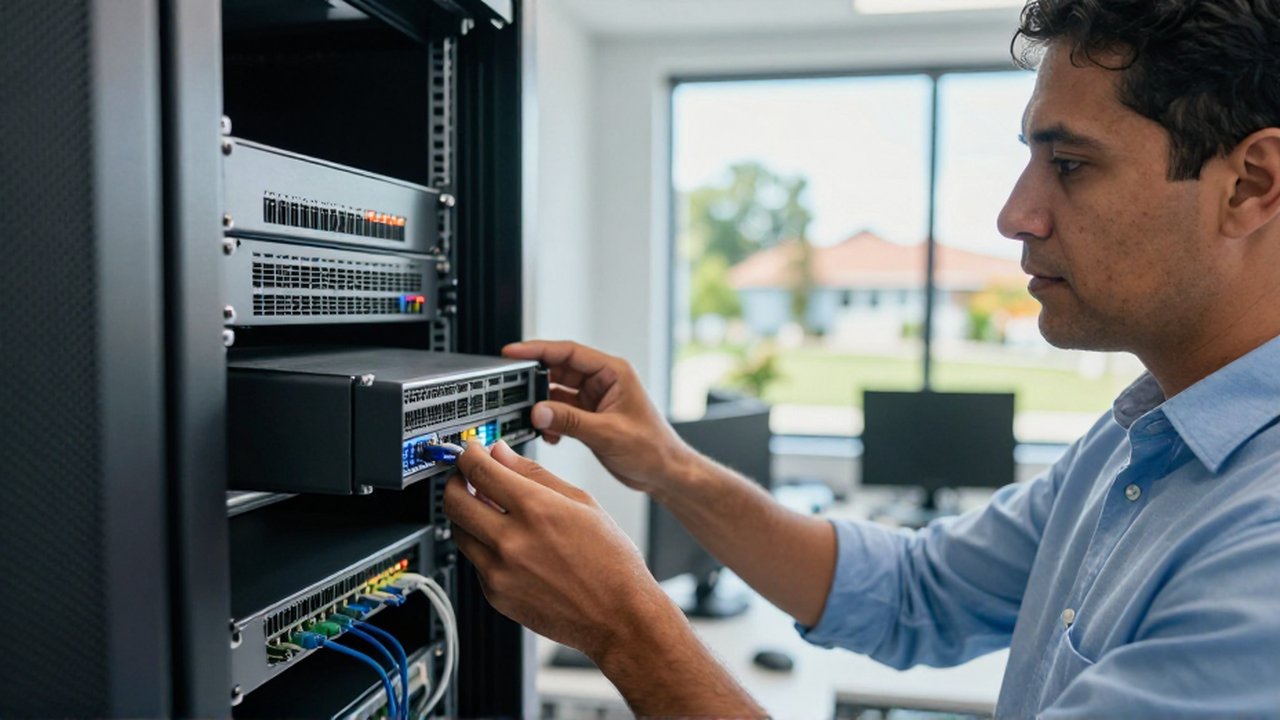
The first step in selecting a firewall is evaluating the current and projected size of the organization. Small businesses or startups in the Dominican Republic may find success with software-based or entry-level hardware firewalls that offer essential packet filtering. However, as a company expands or adds more employees, the demand on the network increases, requiring more significant processing power.
It is vital to consider the local internet service provider (ISP) capabilities. If a business utilizes high-speed fiber optic connections, the firewall must be capable of inspecting high volumes of data without slowing down the connection. A common mistake is purchasing a high-end firewall that cannot handle the throughput speeds provided by the local ISP, which creates a bottleneck that frustrates employees and hinders productivity.
Evaluating Next-Generation Firewall features
Modern businesses require more than traditional port and protocol filtering. Next-Generation Firewalls (NGFW) offer advanced capabilities that are increasingly necessary to combat sophisticated cyber threats. When reviewing options, businesses should prioritize the following features:
- Deep Packet Inspection (DPI): The ability to look inside the data packets to identify hidden malware or unauthorized content.
- Intrusion Prevention Systems (IPS): Tools that actively detect and block known exploits and suspicious patterns in real-time.
- Application Awareness: The capacity to identify and control specific applications, such as allowing web browsing while blocking high-bandwidth social media or non-essential streaming services.
- Sandboxing: A method where suspicious files are executed in an isolated environment to check for malicious behavior before they reach the main network.
For companies in the Dominican Republic that rely heavily on cloud services like Microsoft 365 or Google Workspace, ensuring the firewall has optimized handling for encrypted traffic (SSL/TLS inspection) is paramount. Without this, the firewall may be unable to see threats hidden within encrypted web traffic.
Considering remote work and VPN requirements

The shift toward hybrid work models has made remote access a standard requirement for many Dominican enterprises. A firewall should not only protect the office but also facilitate secure connections for employees working from home or traveling.
Integrated Virtual Private Network (VPN) capabilities are a decisive factor. The firewall should support various VPN protocols to ensure that remote users can access internal company resources through an encrypted tunnel. When evaluating this criteria, consider the maximum number of simultaneous VPN users the hardware can support without degrading performance. A firewall that struggles to manage multiple encrypted tunnels will lead to connectivity issues and decreased efficiency for remote staff.
Budgeting for deployment and maintenance
Total cost of ownership (TCO) extends far beyond the initial purchase price of the hardware. When selecting a firewall, businesses must account for several ongoing expenses:
| Cost Factor | Description |
|---|---|
| Licensing Fees | Many security features, such as antivirus updates and IPS signatures, require annual or multi-year subscriptions. |
| Technical Support | Access to vendor support is crucial for troubleshooting and rapid response during a security incident. |
| Hardware Lifecycle | Technology evolves quickly; businesses should plan for hardware replacement or upgrades every 3 to 5 years. |
| Implementation | The cost of professional services to configure the rules and integrate the device into the existing infrastructure. |
It is recommended to avoid "bargain" solutions that lack a clear path for updates or reliable support. In the event of a cyberattack, the ability to receive immediate security patches and professional guidance is often worth the higher initial investment.
Frequently asked questions
Can a software firewall replace a hardware firewall for a business? While software firewalls provide essential protection for individual devices, they do not offer the centralized management or the robust network-wide protection provided by a hardware firewall. For a business with multiple devices and a central network, a hardware firewall is the standard requirement.
Does a firewall slow down my internet speed? Any security inspection process requires processing time. If the firewall's throughput capacity is lower than your internet speed, it will cause a slowdown. Selecting a device with higher specifications than your current needs can mitigate this risk.
How often should firewall rules be updated? Security rules and threat signatures should be updated automatically by the manufacturer. However, business-specific rules (such as blocking certain websites or opening ports for new software) should be reviewed regularly to ensure they still align with company policy.
Is a firewall enough to prevent all cyberattacks? No. A firewall is a critical component of a defense-in-depth strategy, but it should be part of a broader security approach that includes antivirus software, employee training, regular backups, and strong password policies.
Leave a Reply